
Viewing folder contents: 1. In the folder list, click the ">" arrow on the left side of the folder to expand it and view its sub-items.
Renaming or deleting a folder: 1. Click the "⋮" icon on the right side of the folder. 2. Select "Rename" or "Delete" from the popup menu.
Additional notes: Folders marked "Default" are system default folders; folders marked with a number (e.g., "19 items") indicate the number of files currently stored.
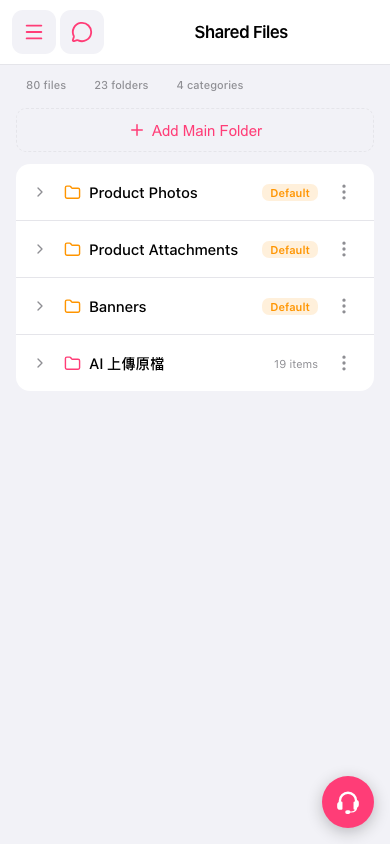 手機版|共享檔案