
1. After reading the AI reply, if you want to ask a follow-up question, simply type a new question in the bottom input box "Ask AI a question...", for example: "Please show all 5 orders", then click the pink send button. 2. To reload the conversation or refresh data, click the "Refresh (↺)" button in the top right corner. 3. To leave, click the "Back (<)" button in the top left corner to return to the previous page or conversation list. 4. If you need to attach relevant files or photos to assist the query, you can click the "Attachment (paperclip icon)" on the left side of the bottom input row to upload a file, or click the "Camera icon" to take and upload a photo.
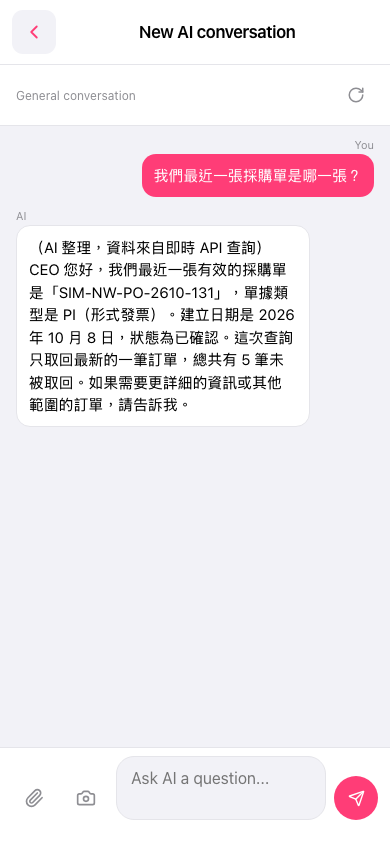 手機版|AI 對話(New AI conversation)