
1. Open the mobile login page in your browser (mobile.patisco.com/logon). 2. Enter your account (email or username) in the "User ID" field. 3. Enter your password in the "Password" field. 4. Click the blue "Login" button to complete login.
If you prefer quick login with a third-party account, click "Sign in with Google" or "Sign in with Microsoft" instead, then follow the on-screen instructions to authorize.
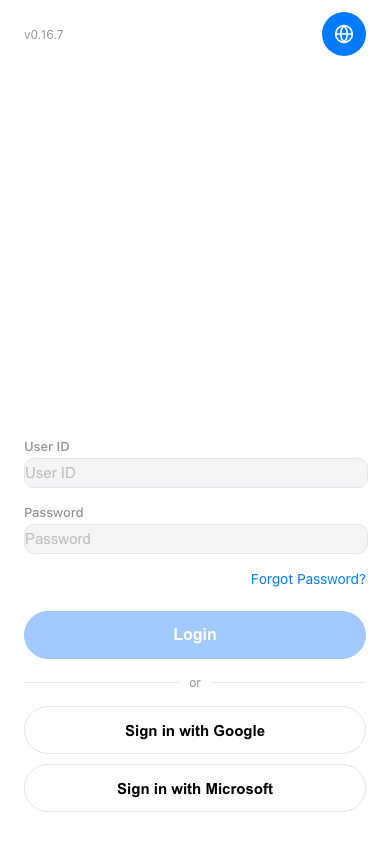 手機版|登入頁面