
1. Hamburger menu (top left "☰"): Click to open the side navigation menu and switch between function modules. 2. Message/notification icon (second from top left "💬"): Click to open the message or notification panel. 3. Settings icon (top right "⚙"): Click to open Analytics-related settings. 4. Customer support icon (floating pink "🎧" at bottom right): Click to open the online customer service or support contact window. Use this directly if you have questions about operations.
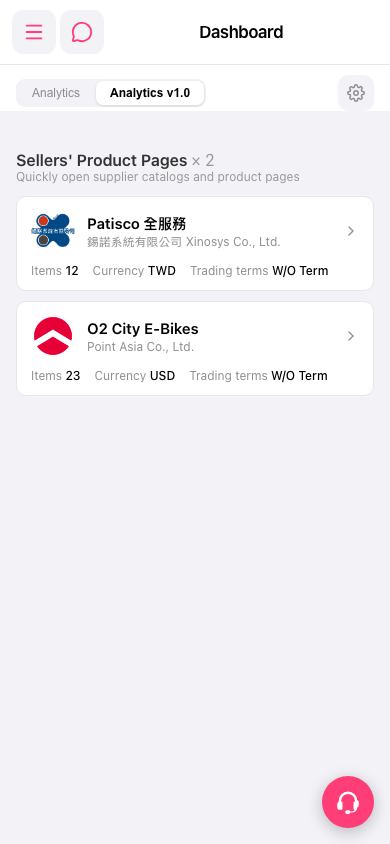 手機版|Dashboard