
On the My Profile page, find the PREFERENCES section at the bottom: 1. Switch language: Click "Language", select your preferred interface language, and save. 2. Switch to dark mode: Click the switch on the right side of "Dark Mode" to toggle between dark and light modes; no need to save separately. 3. To change the number display format, click "Number Format" and select your preferred format.
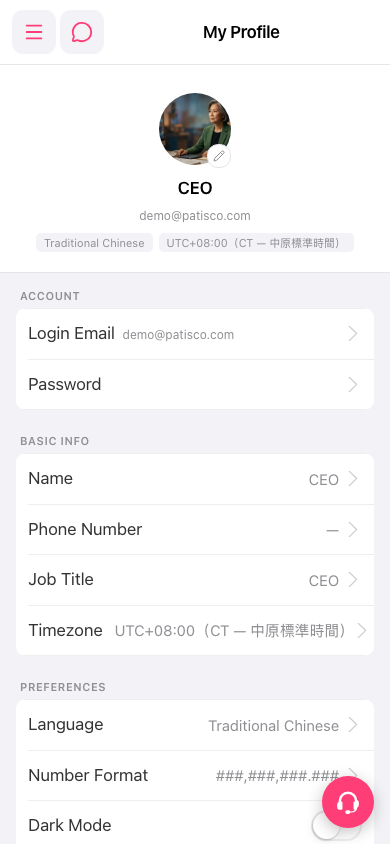 手機版|My Profile