
Yes, after entering your question and before sending: - To attach a file, click the paperclip icon "Attachment" on the left side of the input box and select the file to upload. - To upload an image, click the camera icon "Camera" next to the paperclip, and you can either take a photo directly or select one from your gallery. After confirming your message and attachments are ready, click the pink "Send" button on the right to submit.
To switch conversation types, click the refresh arrow icon "Refresh/Switch conversation mode" in the top right; to return to the conversation list, click the pink back arrow "Back" in the top left.
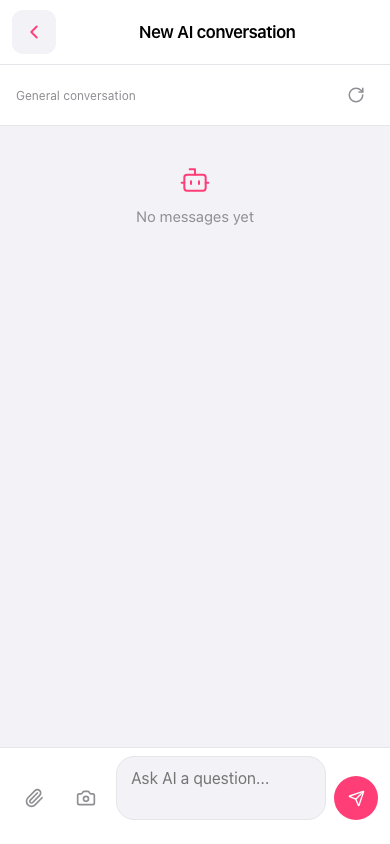 手機版|新 AI 對話