
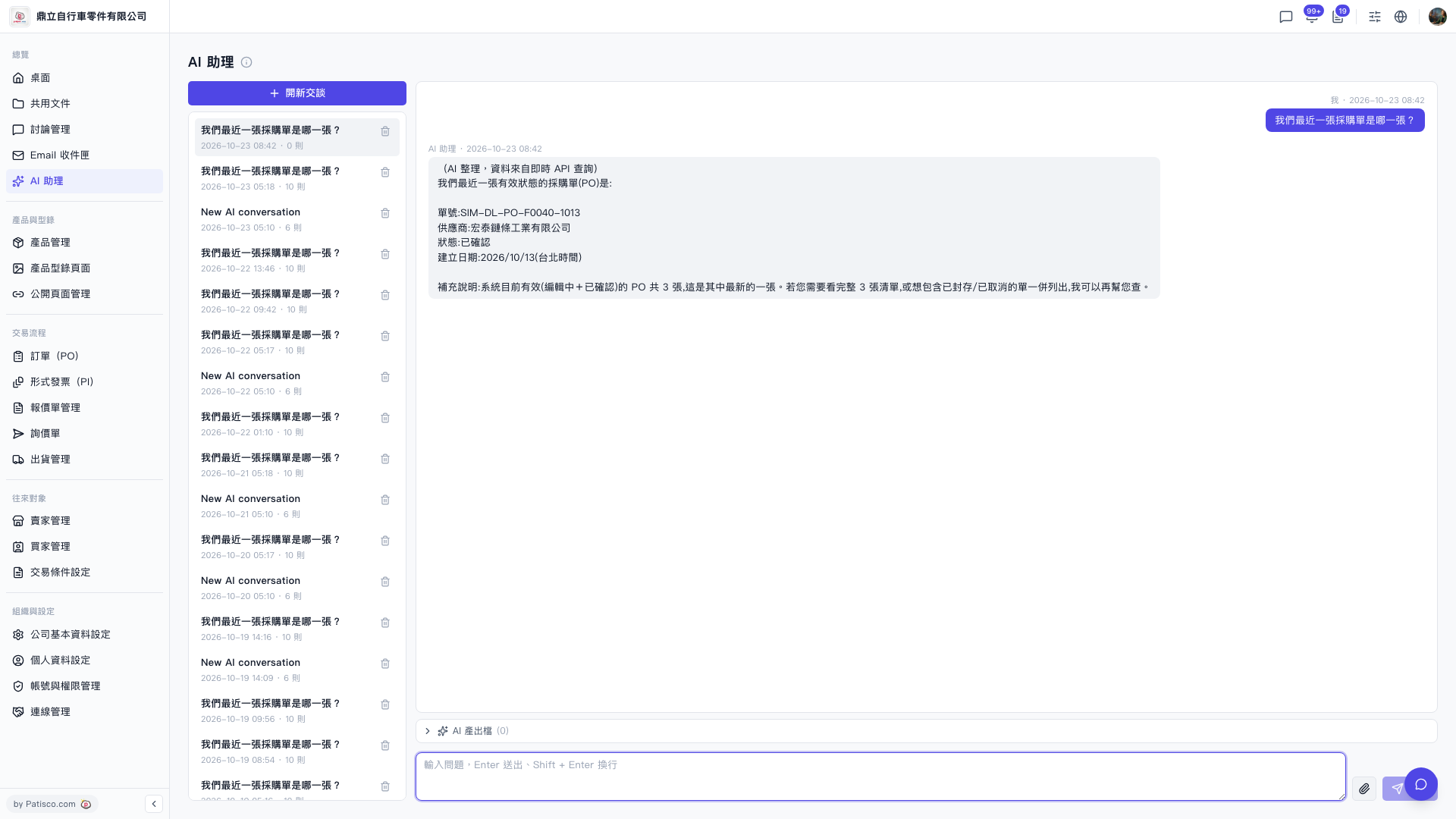
1. Follow-up questions: In the same conversation, type directly in the input box at the bottom, then press Enter or click the paper plane icon to send. 2. View files generated by the AI: Expand the "AI output files" section above the input box. If it shows (0), no files have been generated in this conversation yet. 3. Switch to an older conversation: Click the conversation in the list on the left to view its history. 4. Delete a conversation: Click the trash can icon on the right side of its row.
You can follow up like this: "Please list all 3 POs" or "Also list archived and canceled documents." The AI will reply like this: In its previous reply, the AI said it can look up the full list of 3 for you, or include archived/canceled documents as well.
 V5 新桌面版|AI 助理