
1. Search: Click the "search icon" on the right side of the top navigation bar, enter keywords (such as PO number or seller name) to search. 2. Filter: Click the "filter icon" on the right side of the top navigation bar, set conditions (such as status, date, etc.) and apply. 3. To perform more actions on a specific order (such as edit, delete, download), click the "⋮" button on the right side of the order card to expand options.
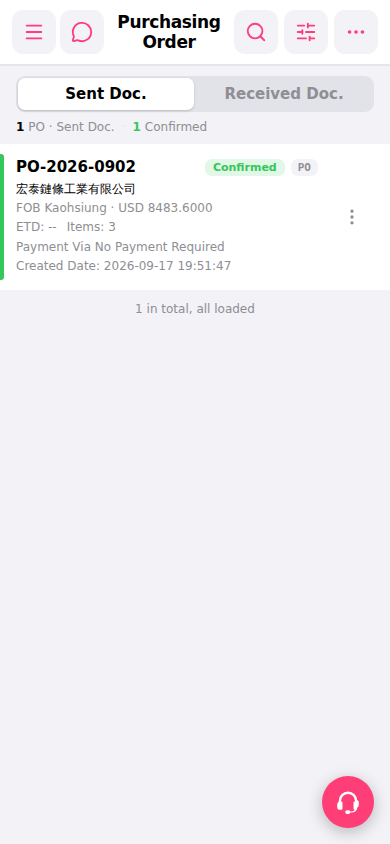 手機版|Purchasing Order(採購訂單)