
1. Find the target quotation on the Quotation management page. 2. Click the "⋮" (three-dot menu) button on the right side of that row. 3. After expanding, you can select operations such as edit, copy, or delete. 4. To search for a specific quotation, click the magnifying glass icon in the top right corner and enter keywords; to filter by status or date, click the filter (adjustment icon) in the top right corner to configure.
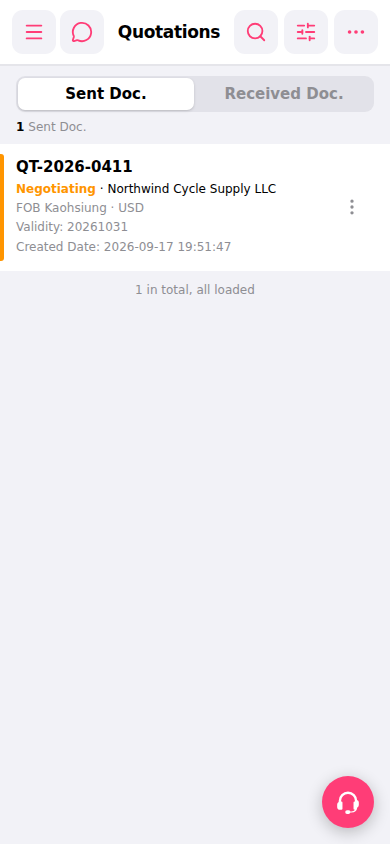 手機版|報價單管理