
1. Go to the Shared Files page. 2. Click the "+ Add Main Folder" button at the top center of the page. 3. Follow the prompts to enter the new folder name and save to complete the addition.
Tip: Folders marked "Default" are system default folders and cannot be added through this method. You can only add custom main folders.
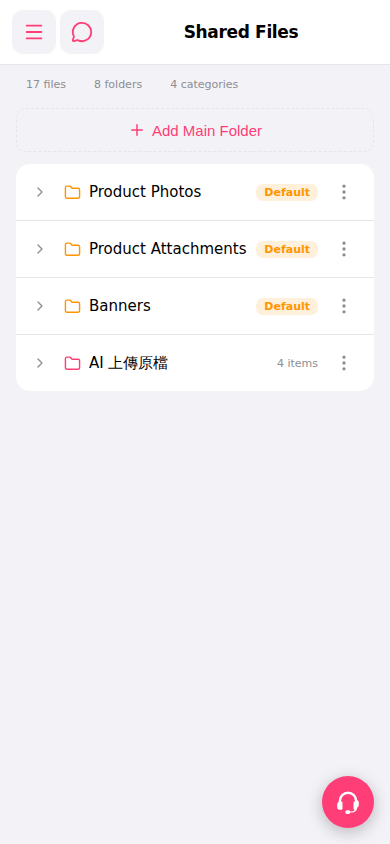 手機版|Shared Files(共享檔案)