
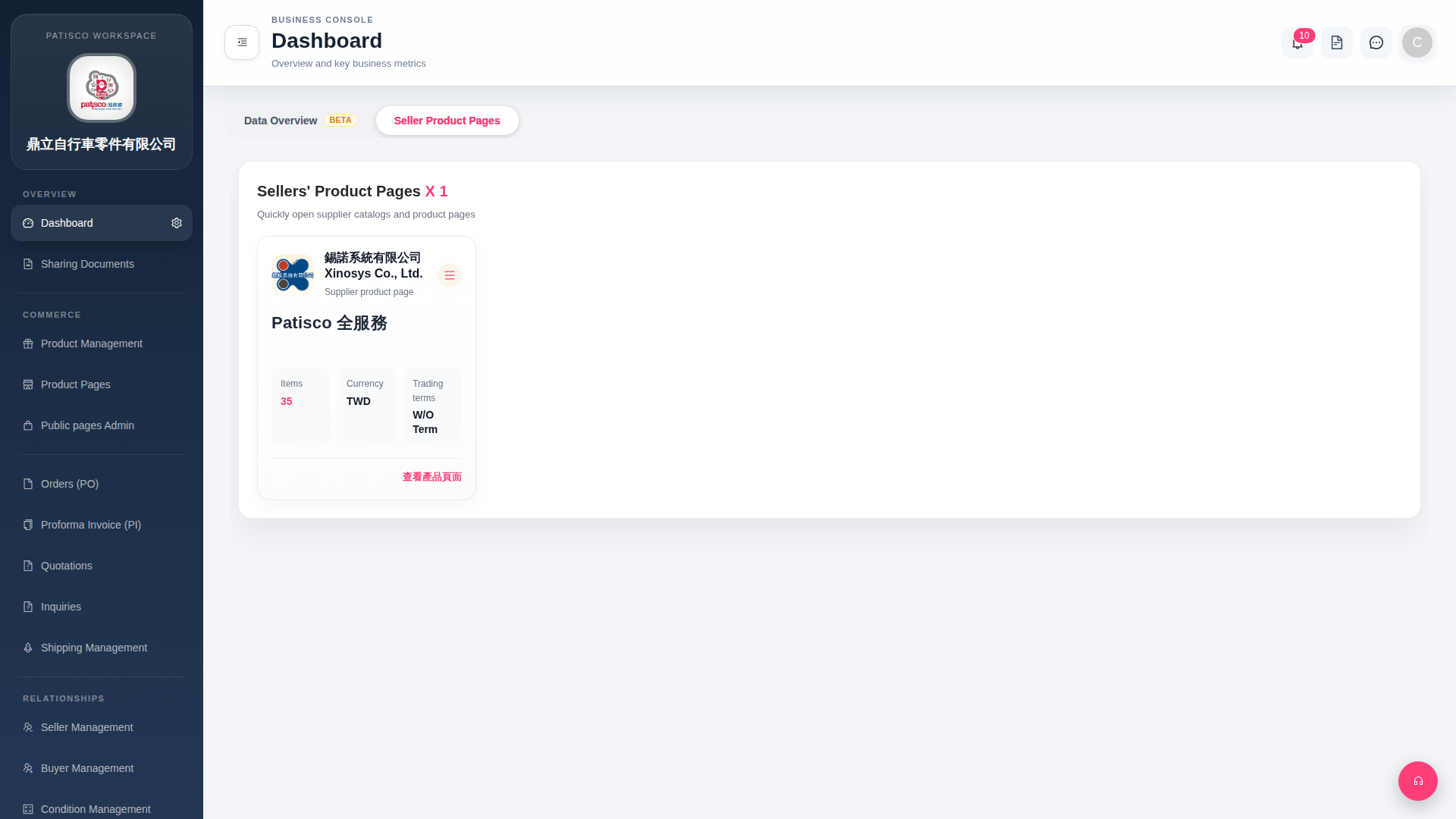
1. The "≡" (hamburger menu icon) in the top right corner of the supplier card opens more operation options when clicked, such as editing or removing the supplier link. 2. The system notification bell is located in the top right corner of the page. Next to the icon it will display the number of unread notifications (currently showing 10). Click it to view all system notifications.
 G4 桌面版|Dashboard