
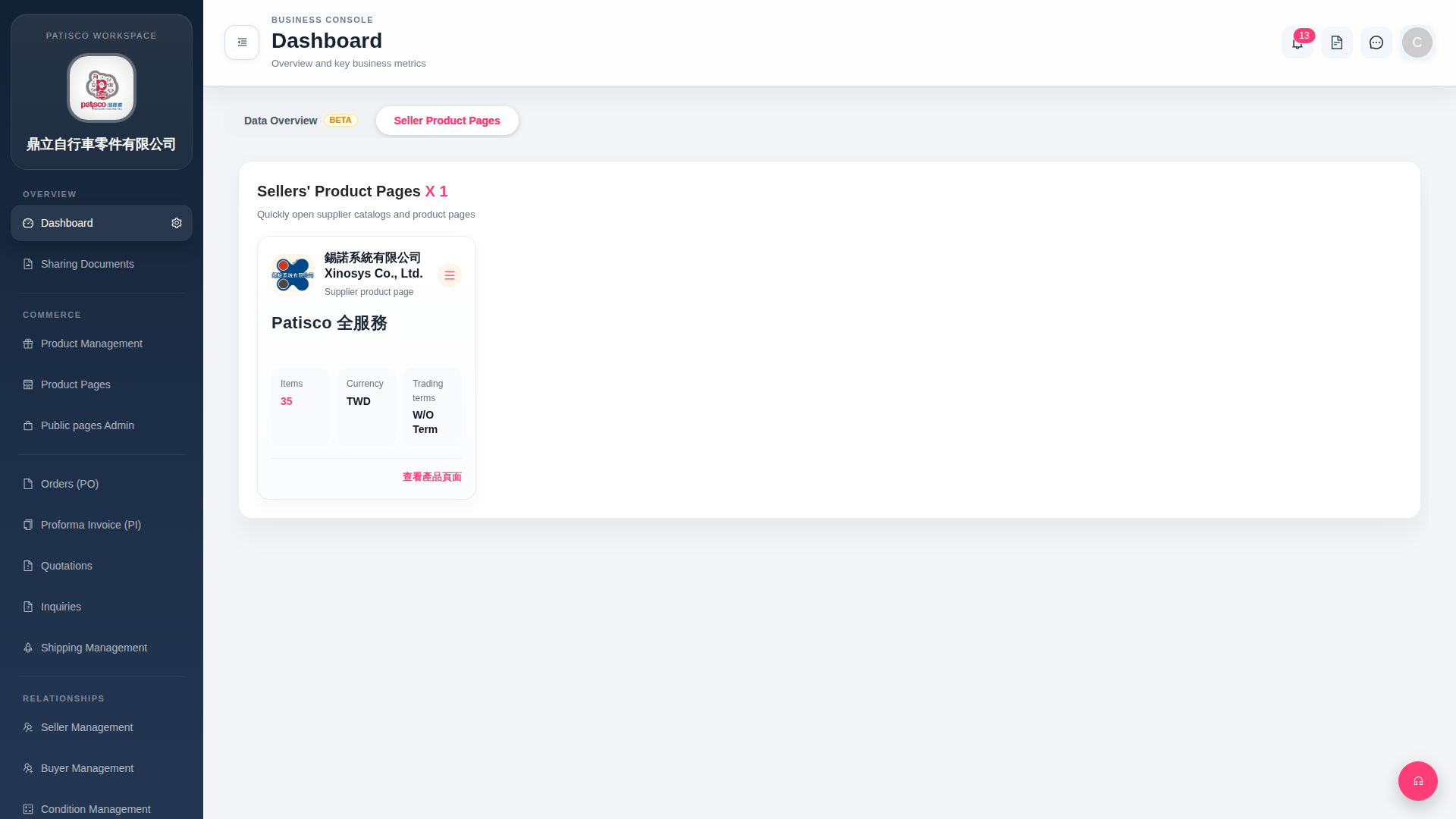
1. Find the seller card you want to operate on. 2. To directly open that seller's online product catalog, click the "View Product Page" link at the bottom right of the card. 3. To perform advanced operations such as edit, delete, or others, click the "≡ (hamburger menu)" in the upper right corner of the card to expand more operation options. 4. Additionally, the top navigation bar in the upper right has the following quick shortcuts: - Notification bell: View unread notifications (currently showing 13) - Document icon: Quick access to file sharing - Message icon: Open messaging/chat function - User avatar (C): Open account settings or user profile
 G4 桌面版|Dashboard