
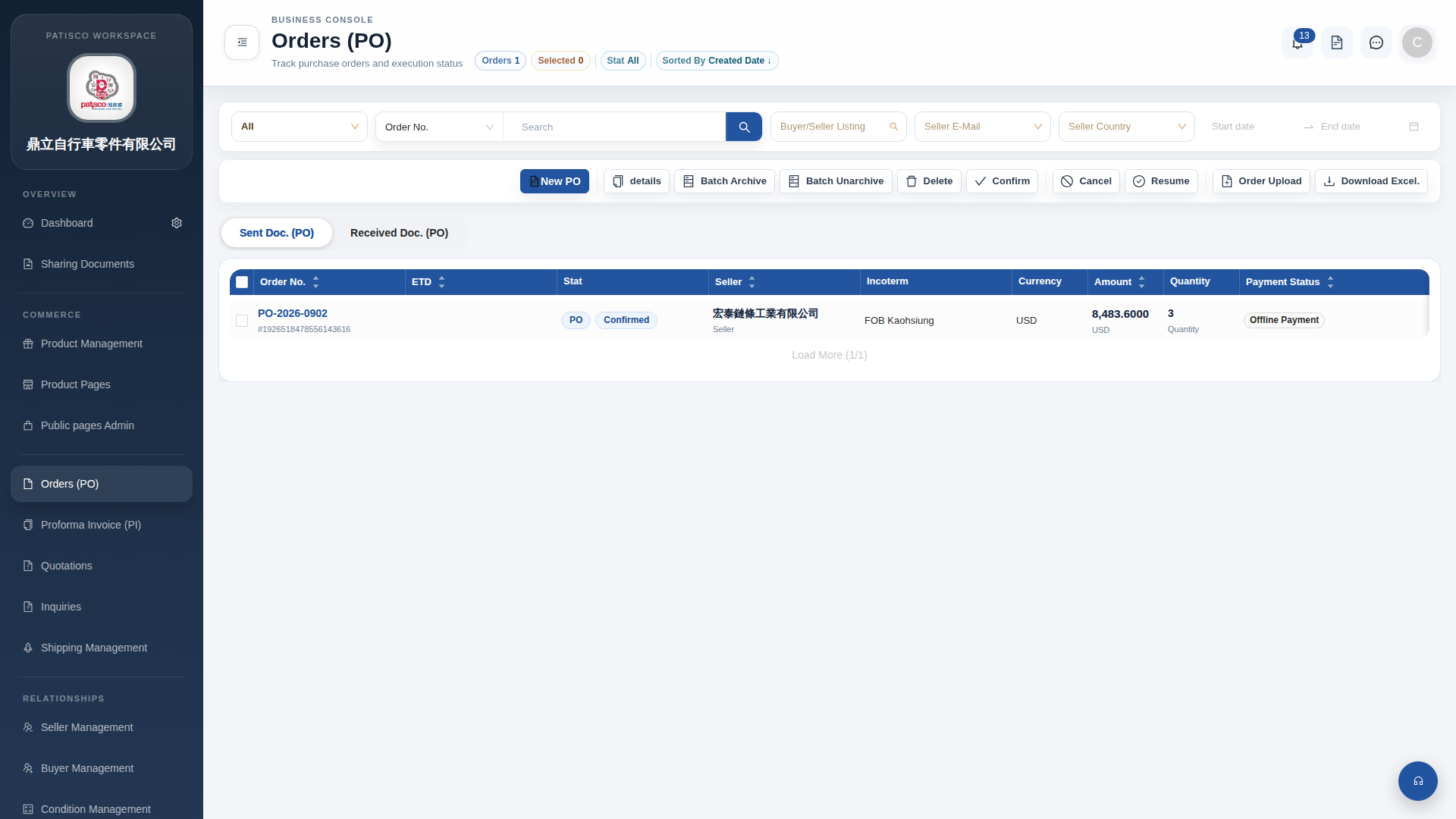
1. In the PO list, check the checkboxes on the left side of each order row to select the POs you want to operate on. 2. Once selected, click the corresponding batch operation button in the toolbar: - "Confirm": Batch confirm selected orders. - "Cancel": Batch cancel selected orders. - "Batch Archive": Batch archive selected orders. - "Batch Unarchive": Batch unarchive selected orders. - "Resume": Batch resume selected orders. - "Delete": Batch delete selected orders. 3. If you need to upload order data, click the "Order Upload" button in the toolbar.
 G4 桌面版|訂單管理 (Orders PO)