
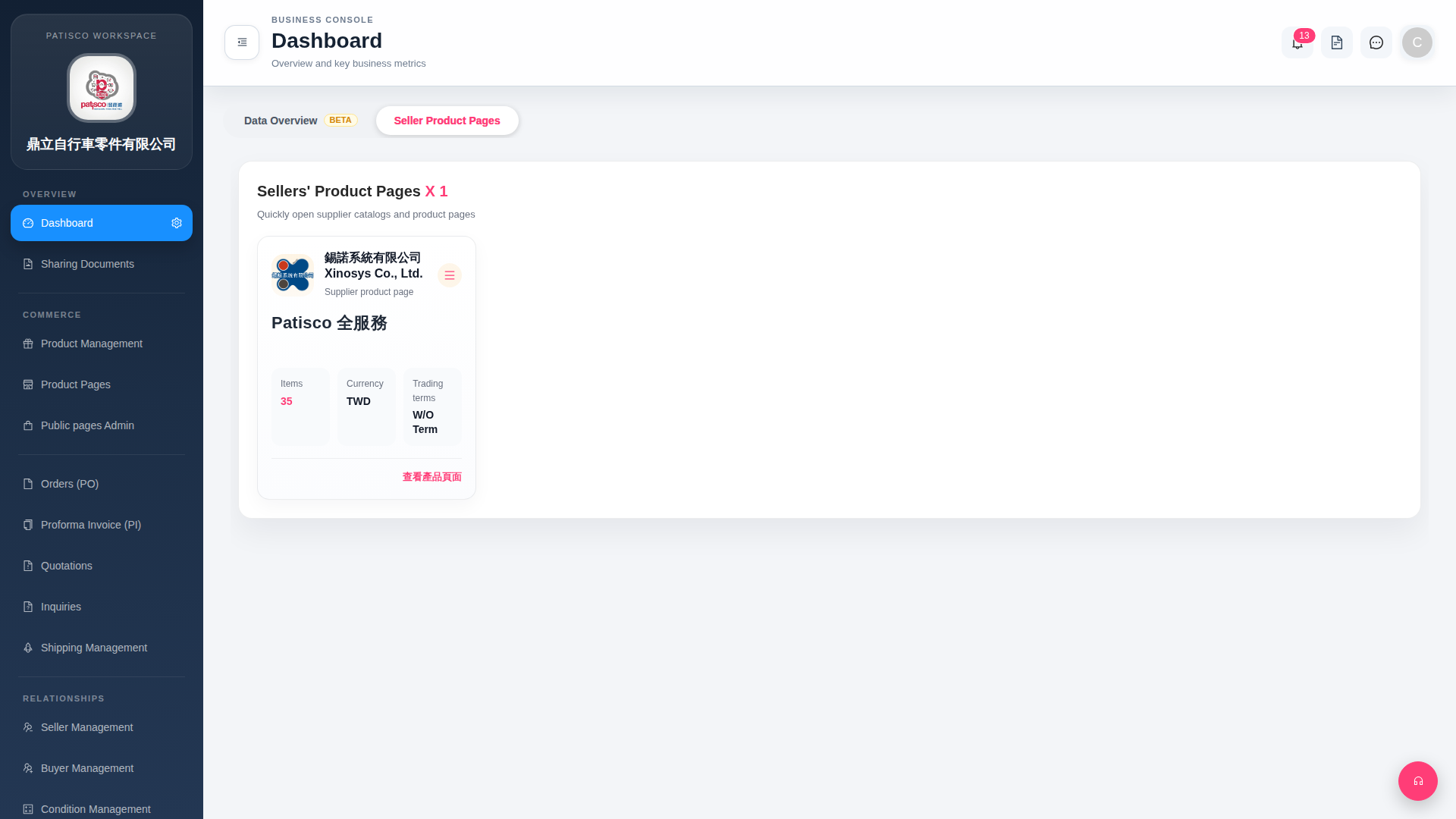
1. After logging in, the system will remain on the Dashboard page. Confirm that the left sidebar is currently on "Dashboard". 2. Click the "Seller Product Pages" tab (the currently selected tab) on the page header to see all linked seller cards. 3. On each card you can confirm "Items", "Currency", "Trading terms" and other basic information. 4. To open a seller's complete product catalog, click the red "View Product Page" link at the bottom right of the card.
 G4 桌面版|Dashboard