
Filter by status: 1. Click the "Stat: Preparing" filter dropdown on the left side of the search field and select the shipping status you want to query (such as Preparing, Shipped, etc.).
Search by document number: 1. Click the dropdown menu in the middle of the search field and select "Shipping Document No.". 2. Enter keywords in the search box. 3. Click the magnifying glass button on the right to execute the search.
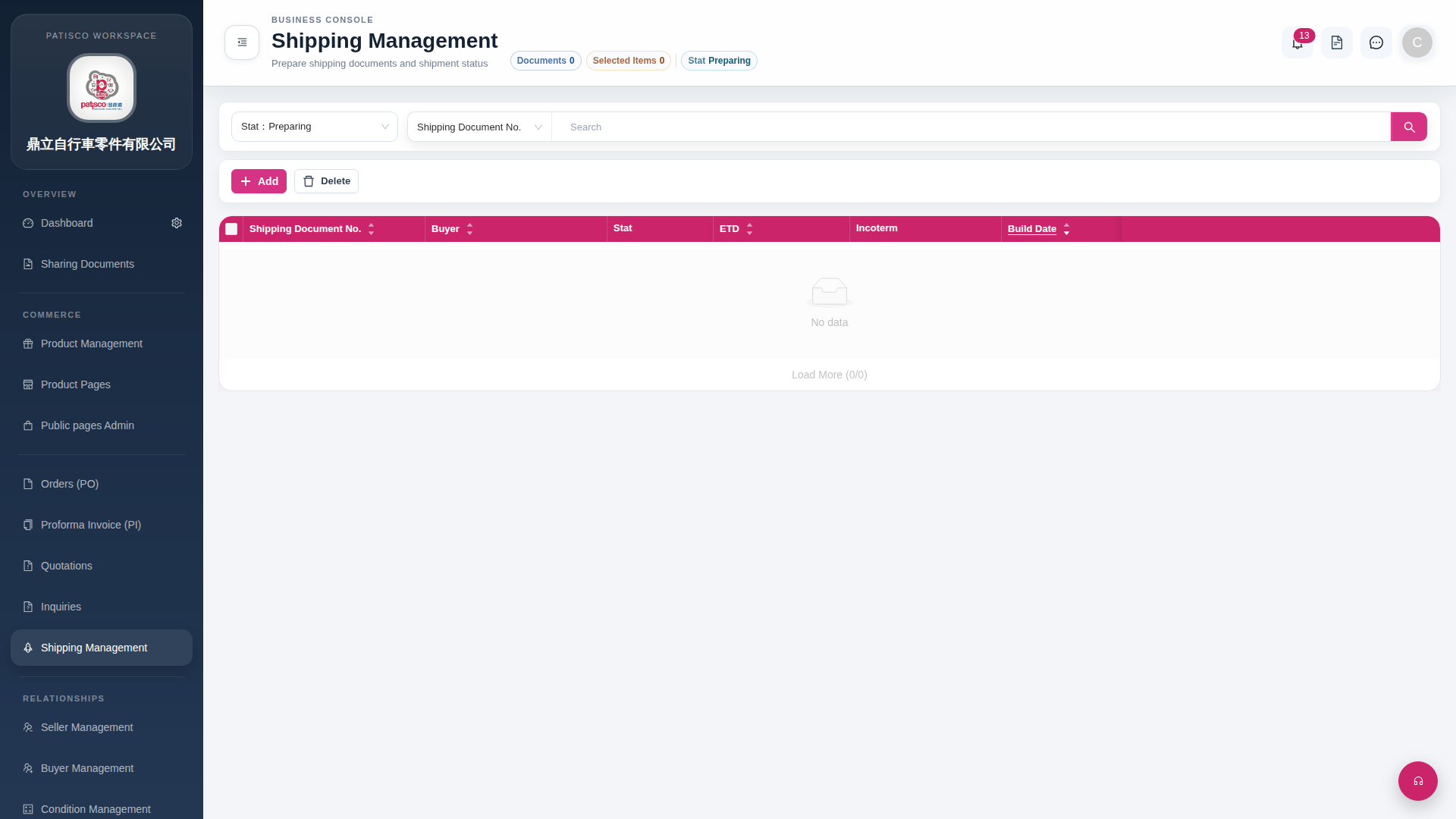 G4 桌面版|Shipping Management