
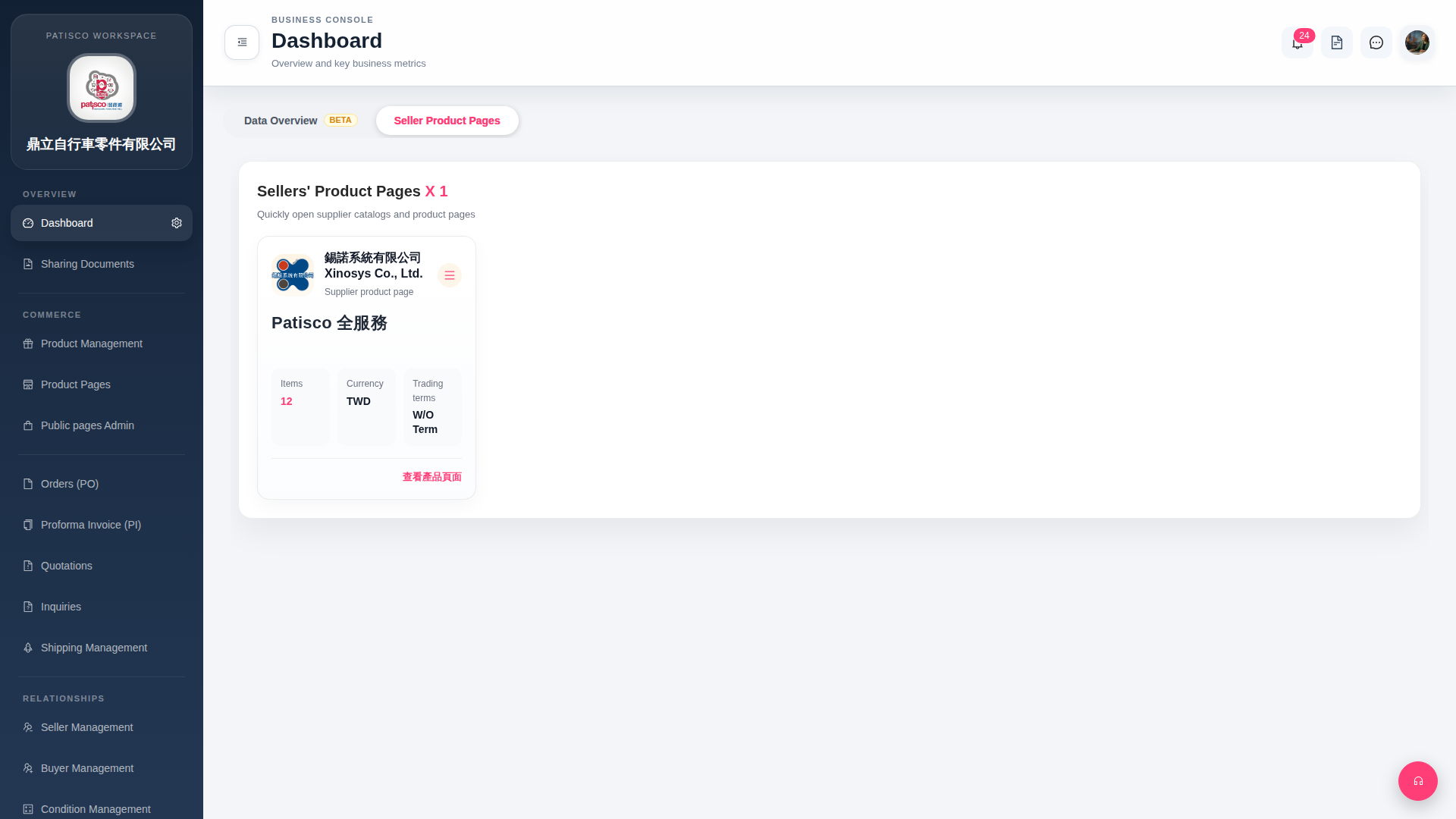
After entering the Dashboard, there are two tabs in the tab bar at the top: 1. "Seller Product Pages" (currently selected by default): Displays a list of all linked seller product catalogs. Each seller card shows information such as the number of items (Items), currency (Currency), and trading terms (Trading terms). 2. "Data Overview BETA": Switch to the data overview view. This is a Beta feature. Click the tab to enter.
 G4 桌面版|Dashboard