
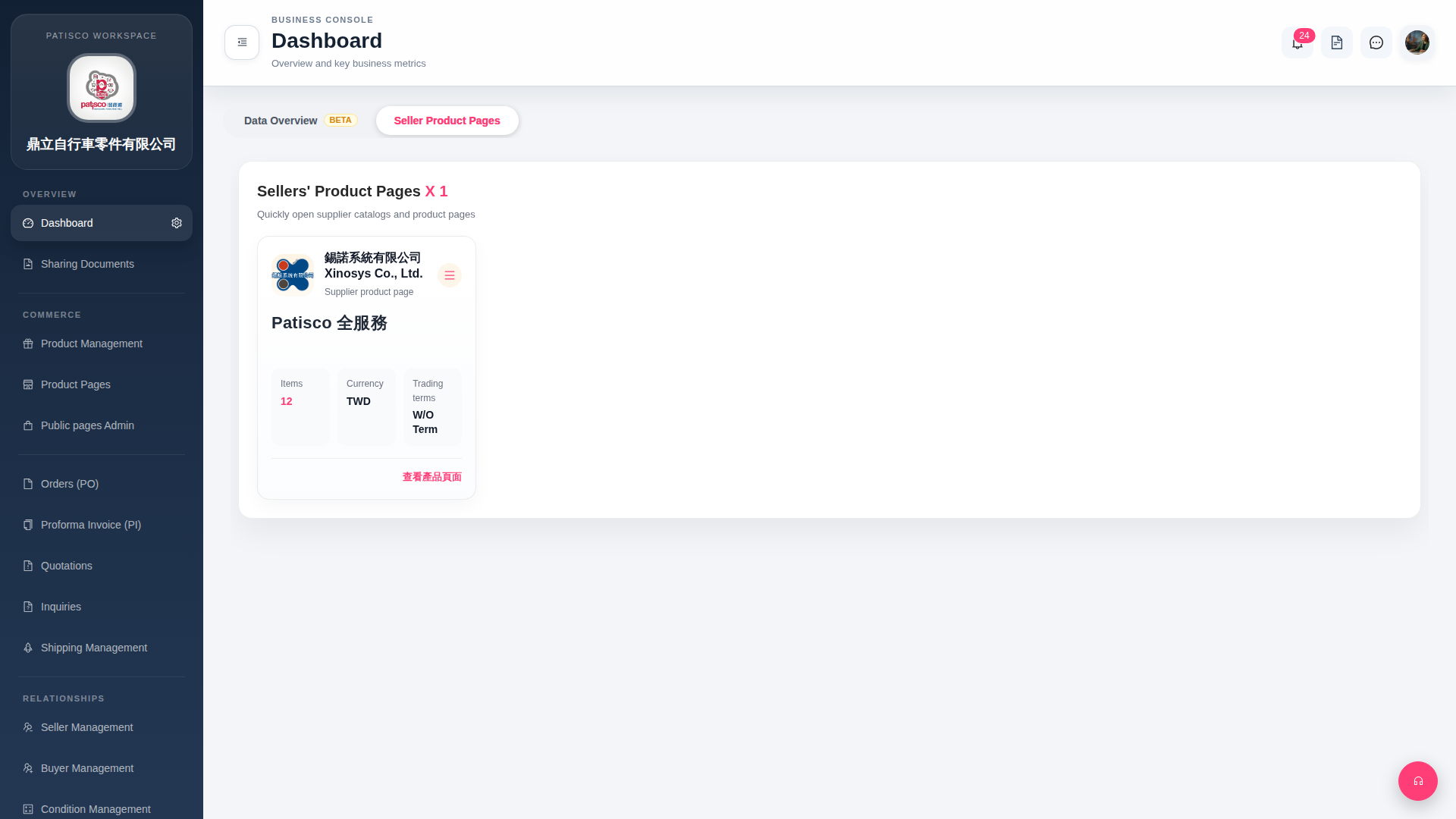
On the seller card in the "Seller Product Pages" tab, you can perform these operations: 1. Click "View Product Page" in the bottom right corner of the card to open the complete product catalog page for that seller (for example, Xinosys Co., Ltd.). 2. If you need to edit or perform other operations, click the "≡ (hamburger menu)" button in the top right corner of the card to expand more available options. 3. To view platform notifications, click the notification bell icon with a red number in the top right corner (currently showing 24 unread).
 G4 桌面版|Dashboard