
Creating a Quotation: 1. After entering the Quotations page, click the orange "+ Add" button in the upper left of the list. 2. Fill in the quotation information (including fields such as Quotation No., Buyer, Incoterm, Currency, Validity, etc.) and save.
Viewing a Specific Quotation: 1. In the search field dropdown, select a search criterion (for example, Quotation No.) and enter the keyword, then click the orange magnifying glass button. 2. Once you find the target quotation, check that record in the list. 3. Click the "details" button at the top to view the details of that quotation.
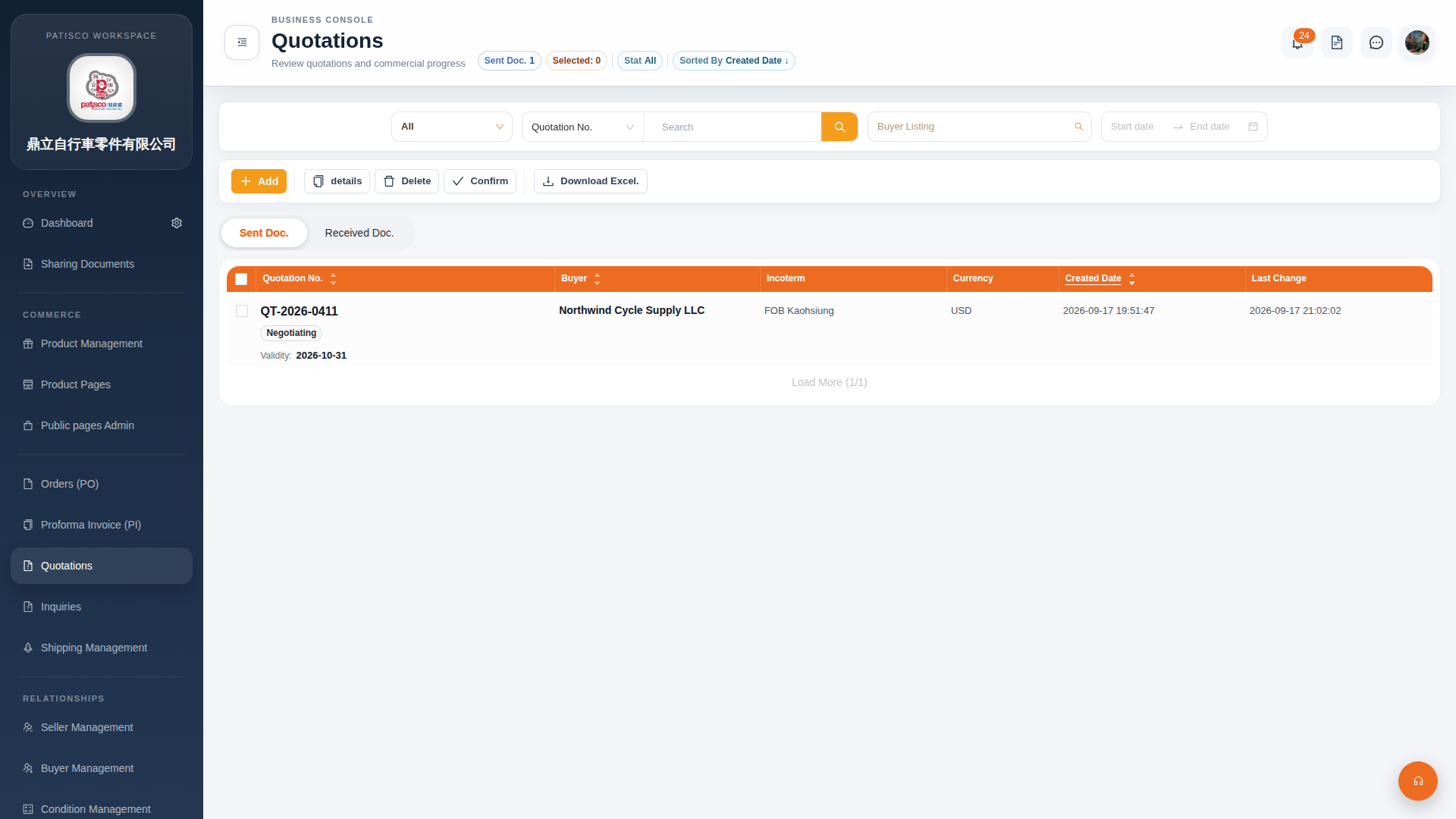 G4 桌面版|Quotations(報價單管理)