
View Quotation Details: 1. Check the checkbox on the left side of the quotation in the list, then click the "details" button above; or directly click the quotation number link (for example, "QT-2026-0411") to open the detailed content.
Confirm Quotation: 1. Check the checkbox of the target quotation row. 2. Click the "Confirm" button above. The system will advance the quotation's status from "Negotiating" to confirmed status.
Delete Quotation: 1. Check the target row and click the "Delete" button, then confirm the deletion operation.
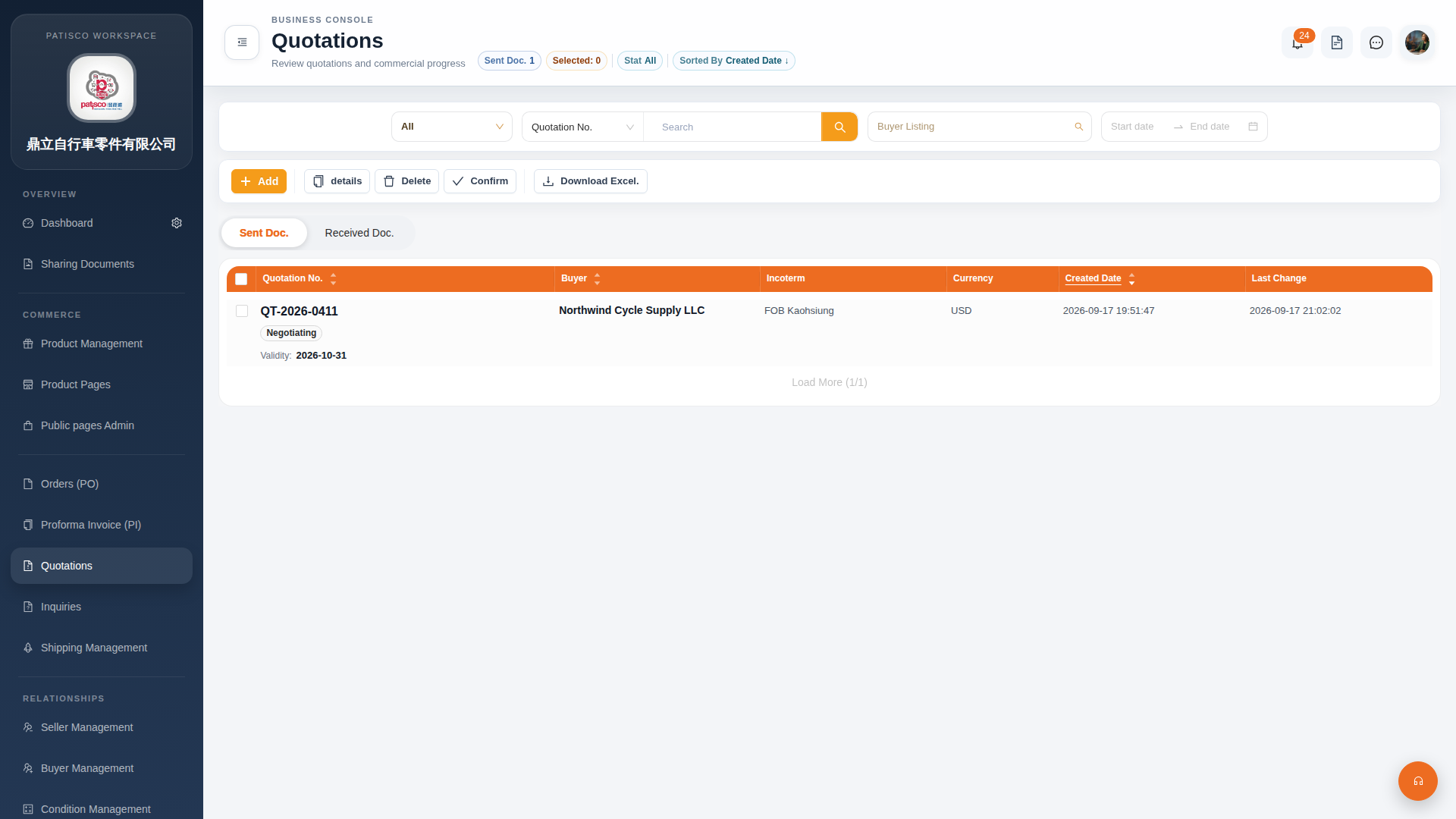 G4 桌面版|報價單管理(Quotations)