
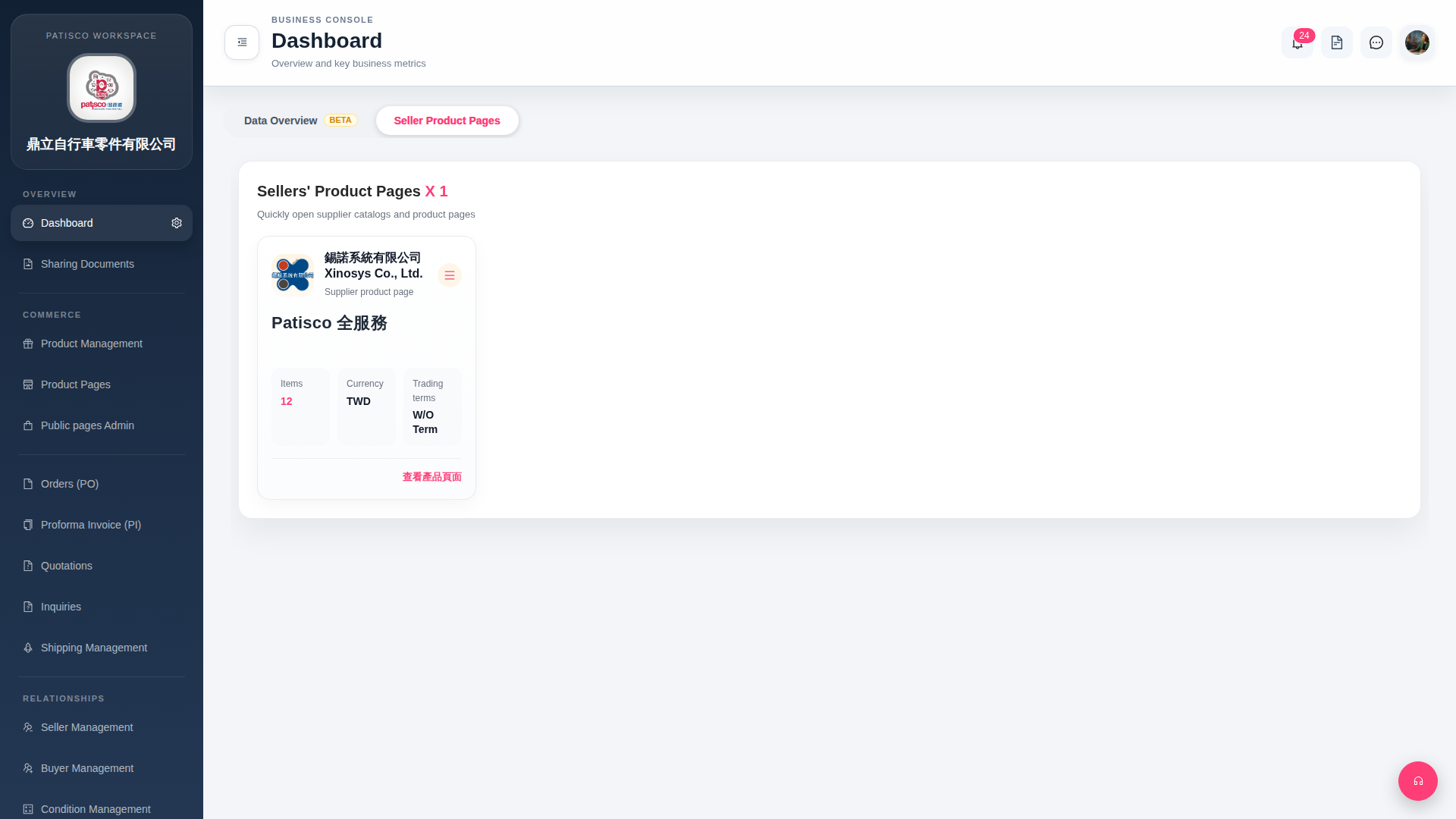
1. After entering the Dashboard, click the "Seller Product Pages" label in the page's top tab list to switch to the seller product pages list. 2. The page displays all linked seller cards. Each card shows the following information: - Seller name - Number of items (Items) - Currency (Currency) - Trading terms (Trading terms) 3. Click "View Product Page" in the bottom right corner of a card to directly open that seller's online product catalog.
 G4 桌面版|Dashboard