
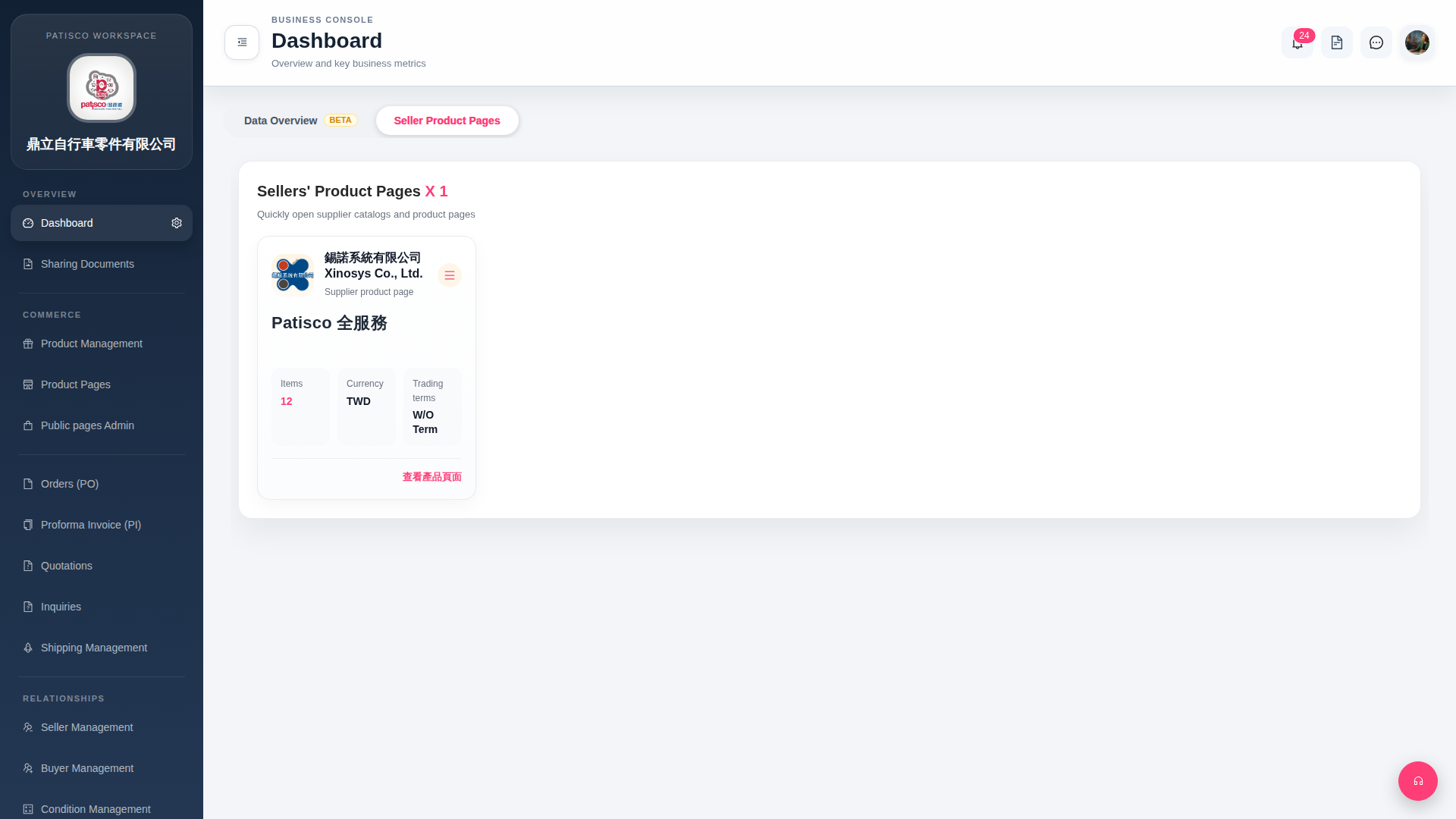
1. Find the target seller card on the "Seller Product Pages" page. 2. Click the "≡ (hamburger menu)" icon in the top right corner of the card to expand the additional operation menu for that seller. 3. Select the desired operation from the menu (such as edit or delete).
 G4 桌面版|Dashboard