
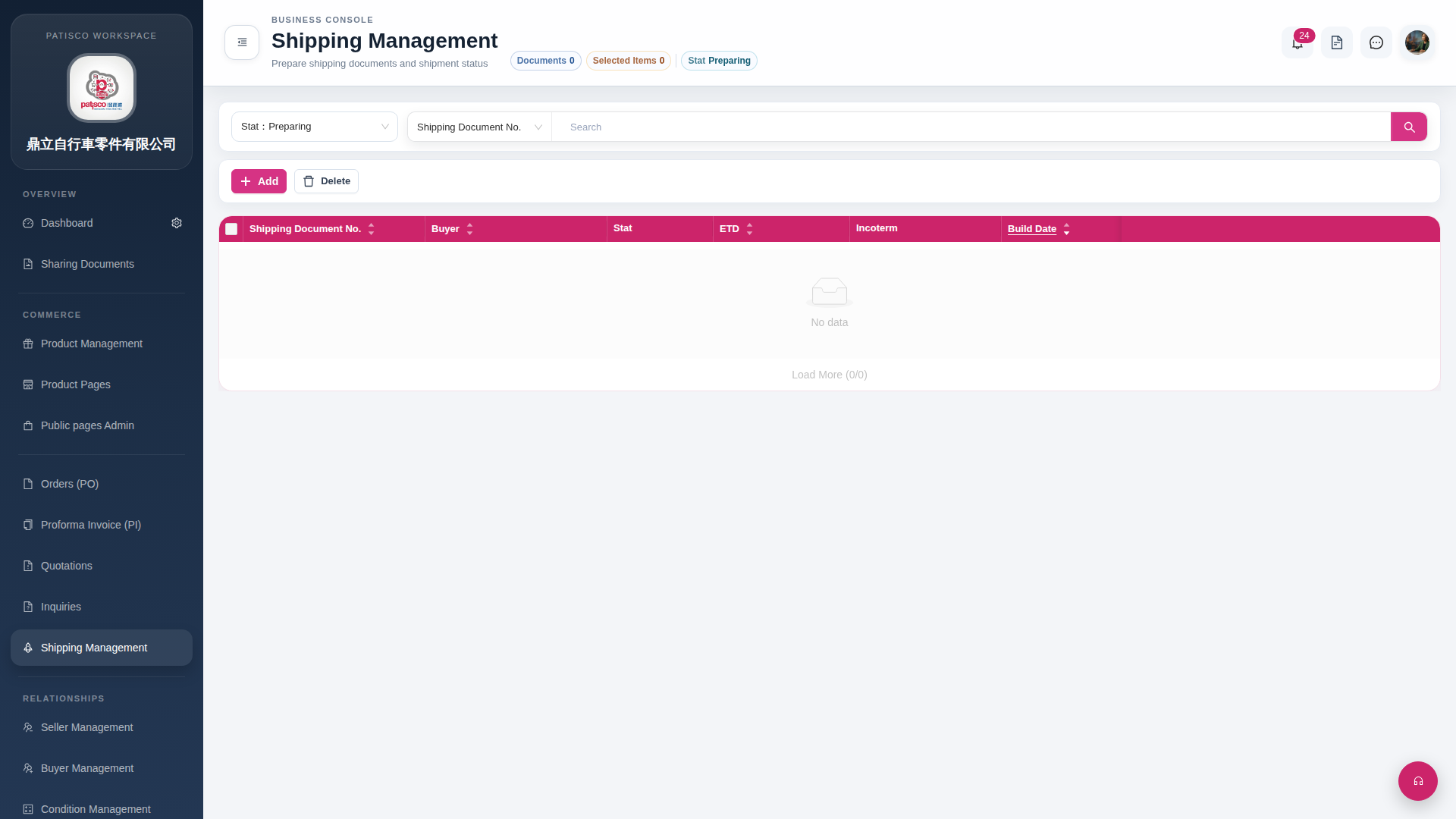
Search for Shipping Document: 1. In the search bar, first select the field you want to search (for example, Shipping Document No.), then enter the keyword. 2. Click the magnifying glass button on the right side of the search bar to execute the search.
Add Shipping Document: 1. Click the pink "Add" button on the upper left of the list. 2. Fill in related fields such as Buyer, ETD, Incoterm in the form that appears, then save.
Delete Shipping Document: 1. Check the box on the far left of the list for the item you want to delete. 2. Click the "Delete" button and confirm to complete the deletion.
 G4 桌面版|Shipping Management