
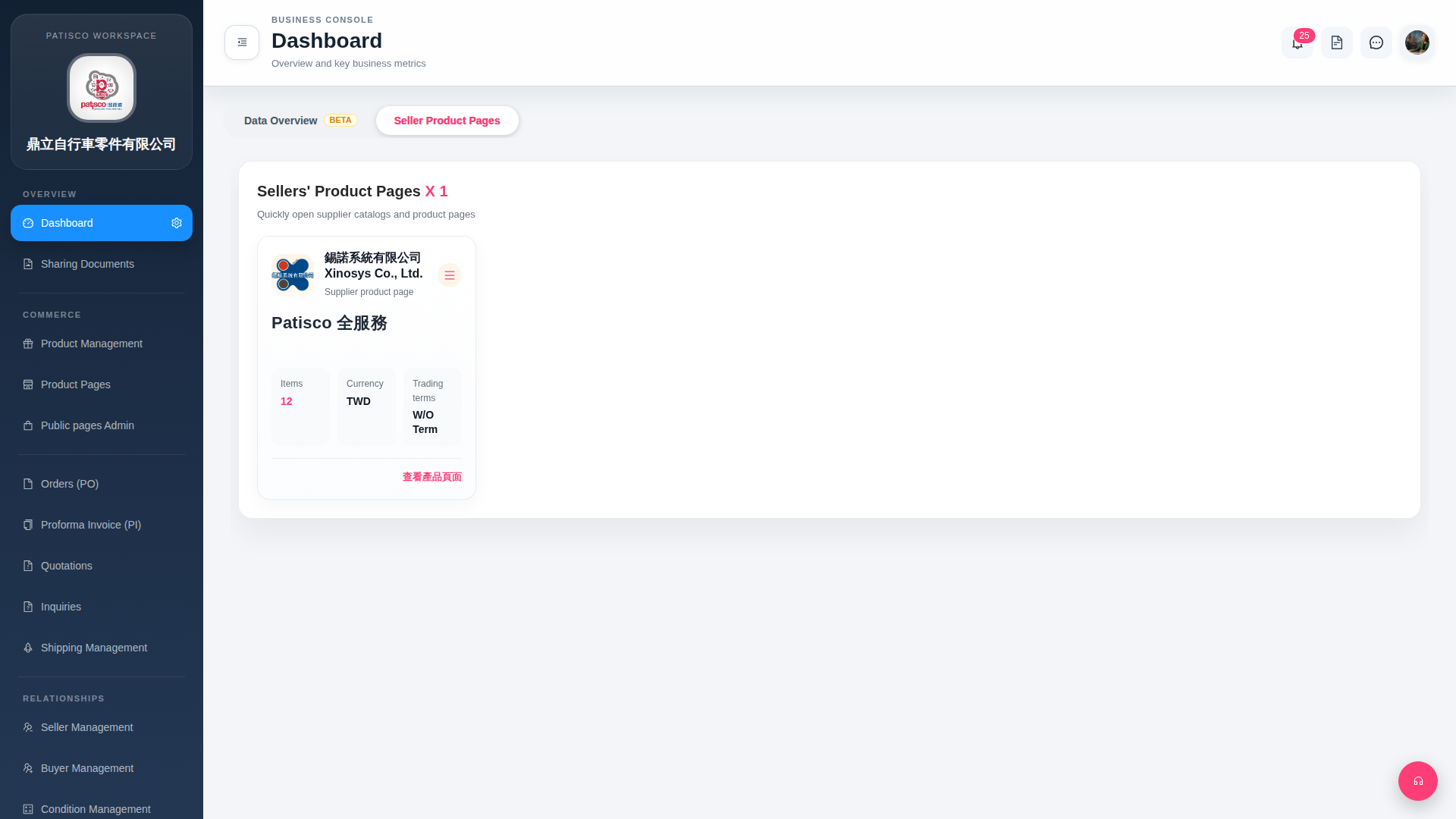
1. The "≡" (hamburger menu) button at the top right of the card: Click to open the supplier card's additional operation menu, such as edit or delete and other advanced operations. 2. The "Data Overview BETA" tab at the top of the page: Click to switch to the data overview tab, where you can view key business indicators and data statistics. This feature is currently in BETA.
 G4 桌面版|Dashboard