
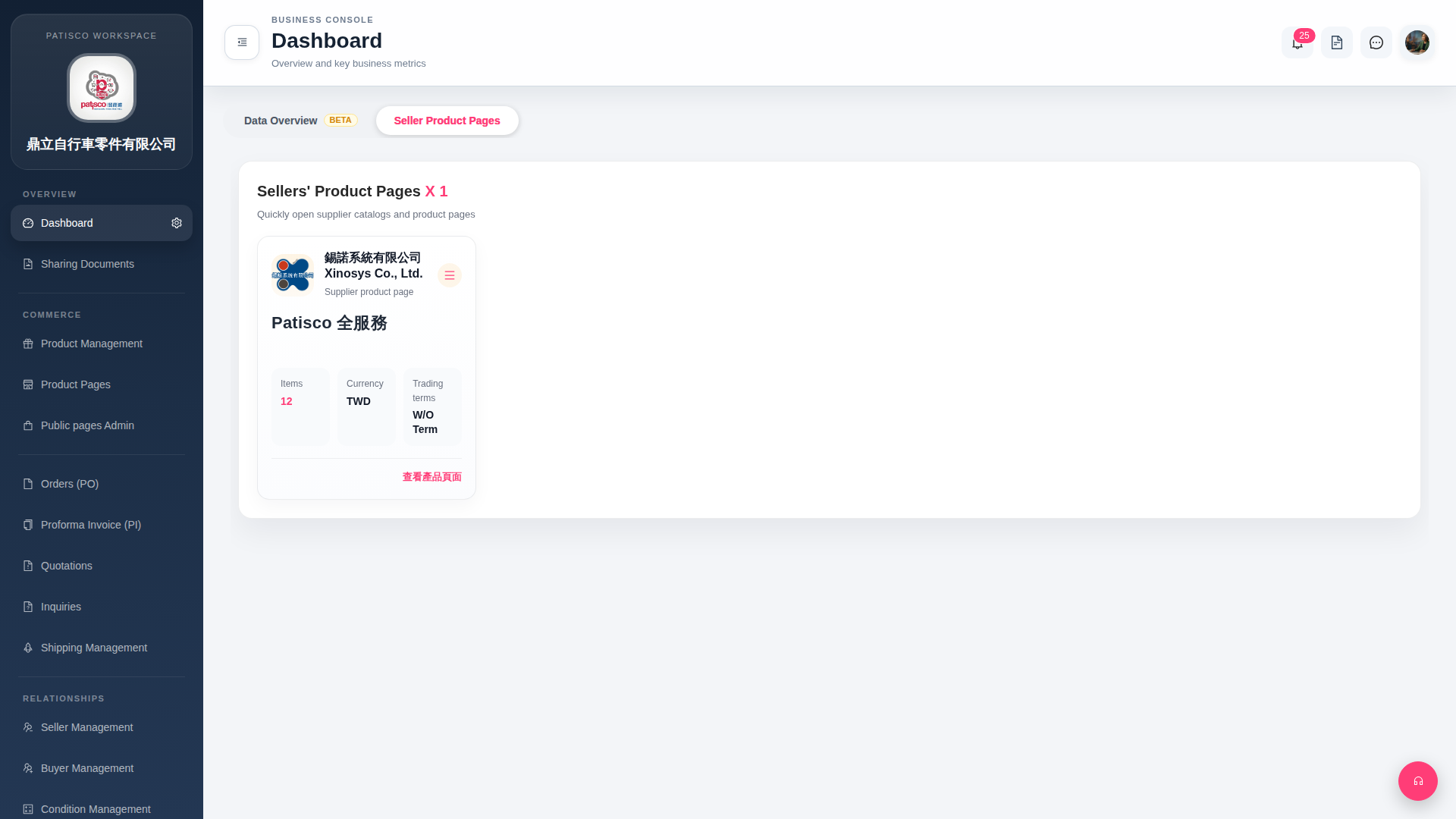
1. After logging in, the system automatically enters the Dashboard page. 2. The tab bar at the top of the page has two tabs: "Data Overview BETA" and "Seller Product Pages". 3. Click on the tab name directly to switch: "Data Overview BETA" displays data overview (Beta feature); "Seller Product Pages" displays a list of associated supplier product page cards.
 G4 桌面版|Dashboard