
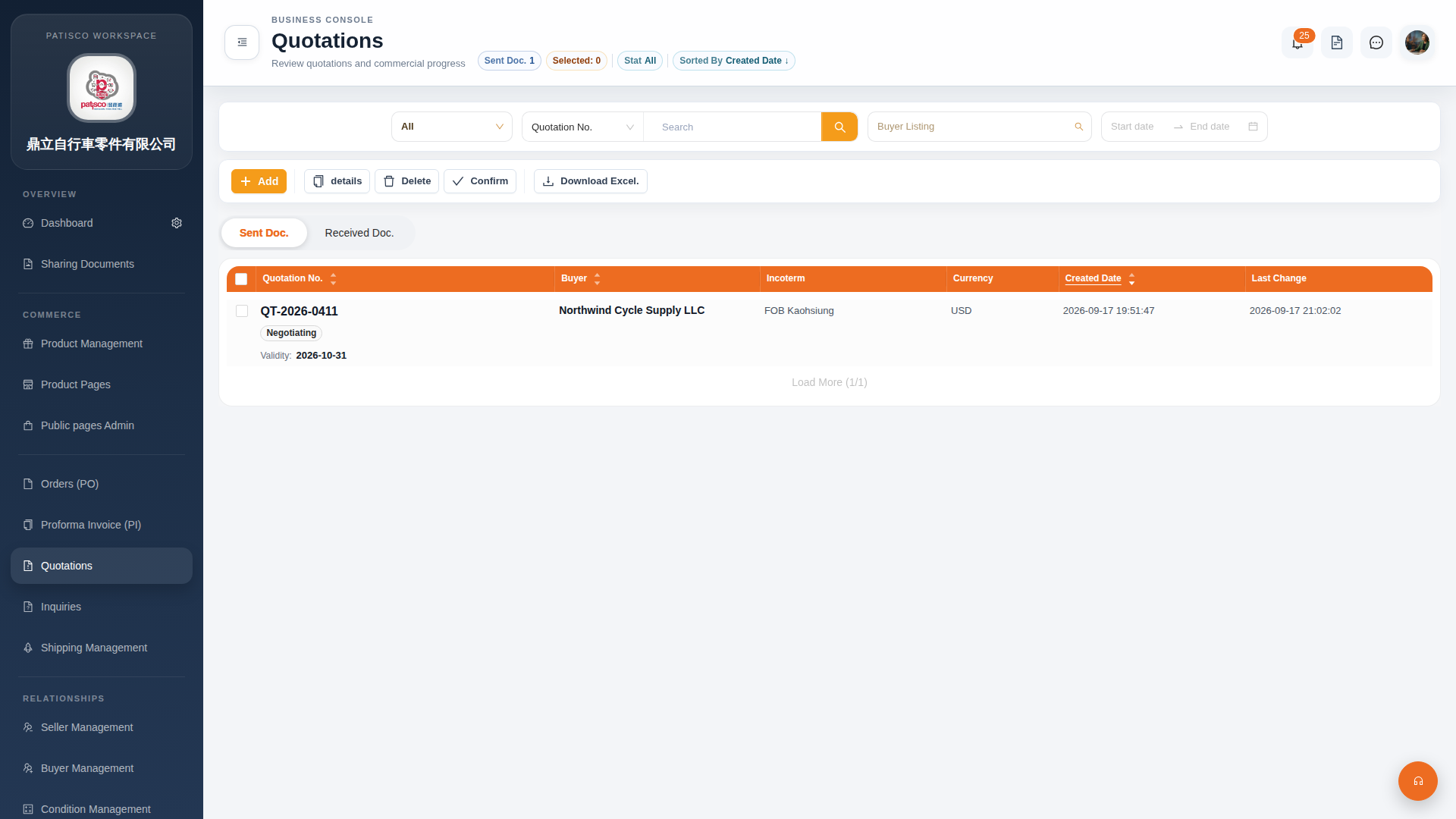
1. Access the "Quotations" page from the main menu (URL: /main/quo). 2. By default, the "Sent Doc." tab is displayed, which shows a list of quotations you have sent. 3. List columns include: Quotation No., Buyer, Incoterm, Currency, Created Date, Last Change, Validity. 4. To view received quotations, click the "Received Doc." tab on the right to switch.
 G4 桌面版|Quotations(報價單管理)