
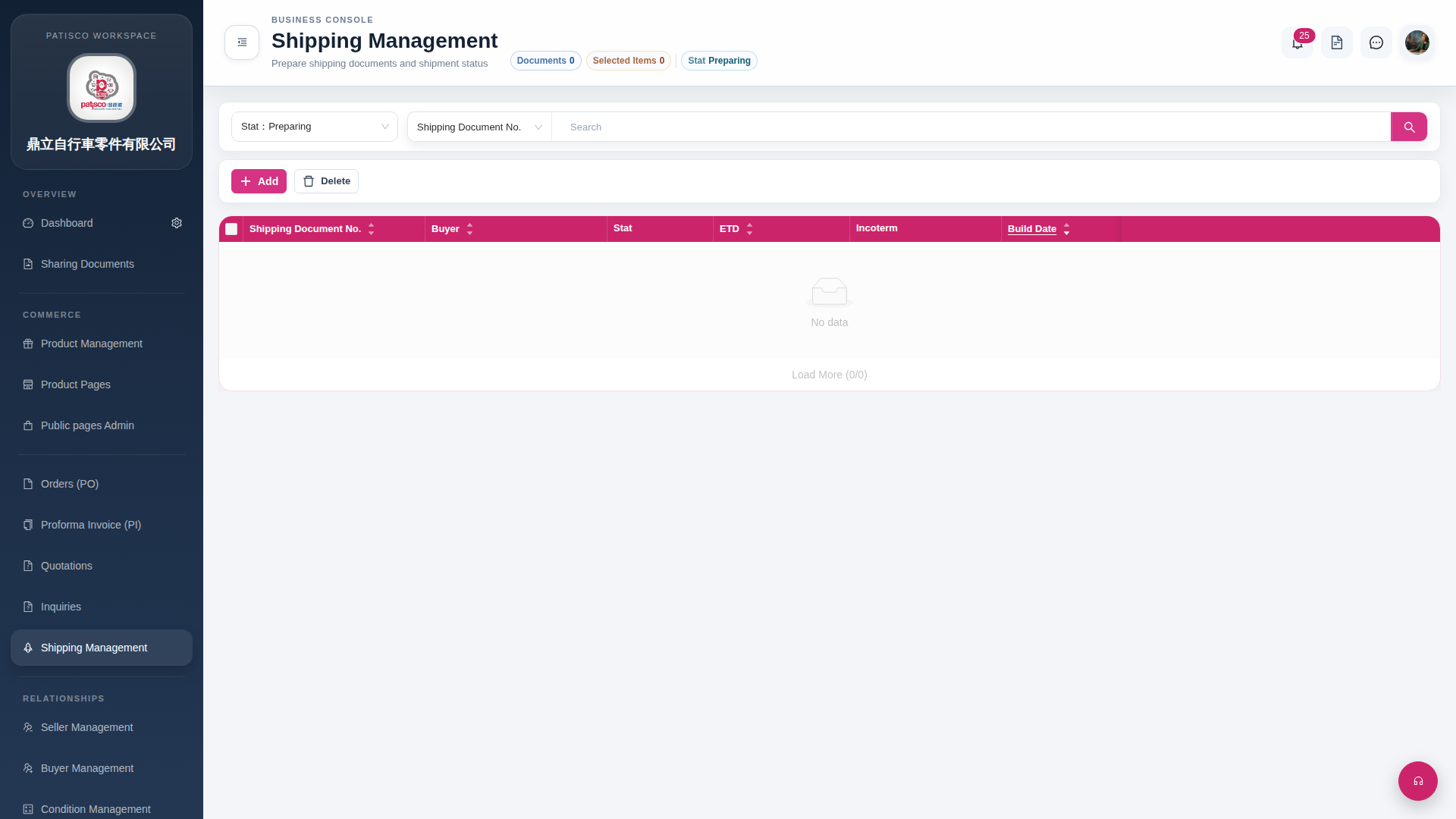
1. Click "Shipping Management" in the left sidebar to open the Shipping Management page. 2. After entering, the page defaults to filtering shipping documents by "Stat Preparing" status, meaning it only displays shipping orders in preparation. 3. List columns include: Shipping Document No., Buyer, Stat, ETD, Incoterm, Build Date. 4. If there are currently no records matching the criteria, the list will be empty, and "Load More (0/0)" at the bottom will not have any records to load.
 G4 桌面版|Shipping Management