
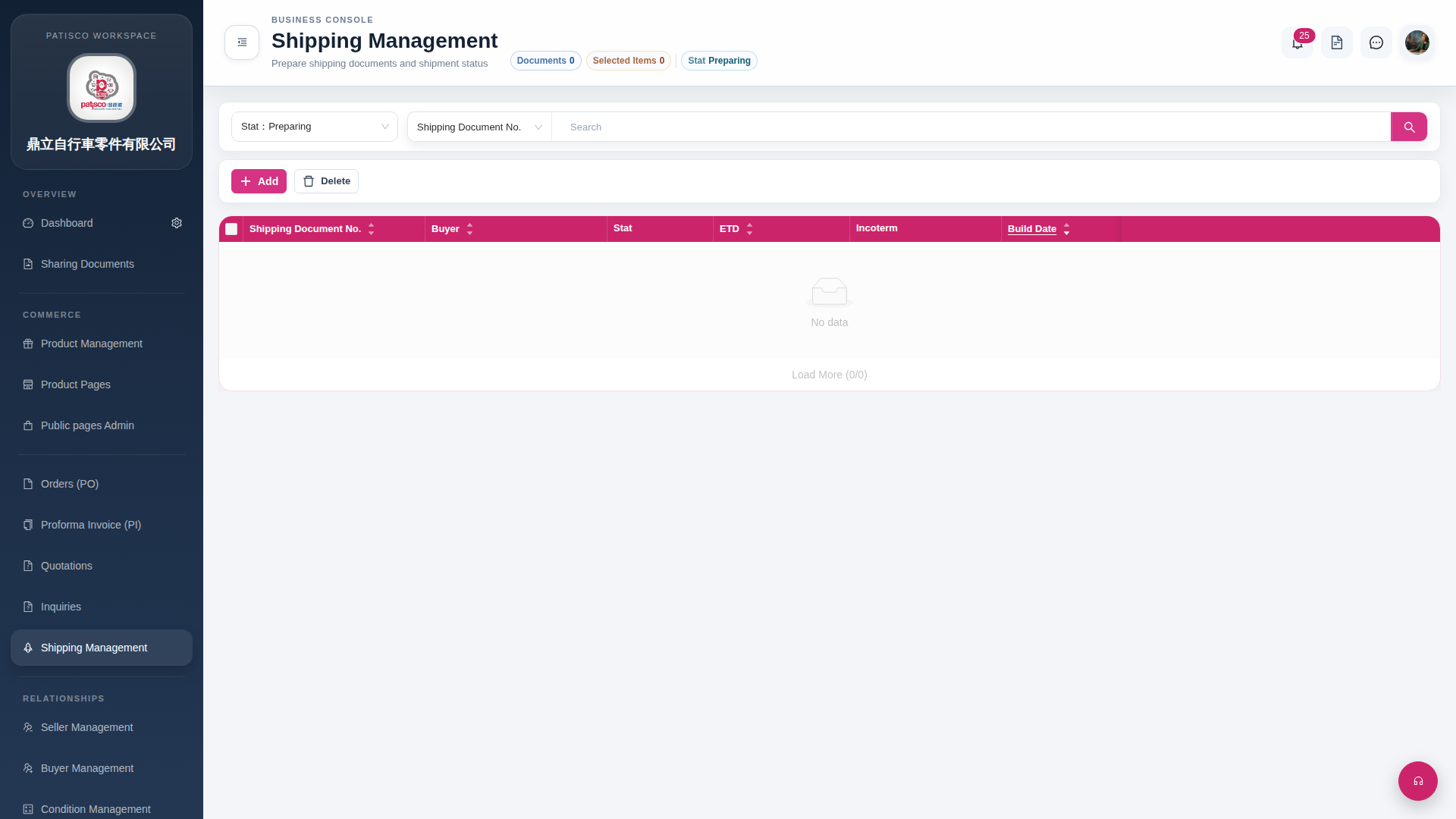
Search for Shipping Documents: 1. In the search field on the right side of the page filter row, enter a keyword, such as Shipping Document No.. 2. Click the magnifying glass button to execute the search.
Add Shipping Documents: 1. Click the "Add" button on the top left of the list to enter the form for creating a new shipping document.
Delete Shipping Documents: 1. Check the items you want to delete in the list. 2. Click the "Delete" button to confirm deletion.
Load More Records: - If there are records in the list, click "Load More" at the bottom to continue loading more records.
 G4 桌面版|Shipping Management