
1. In the filter panel on the left side of the page, check the conditions you need, including Brand (Patisco or Xinosys), Product Web Page (public or private viewing), Product Sales (online or offline sales), Trading Documents (with or without trade documents), Hosting Service (SaaS or In-House Server), or Others. 2. To limit the price range, enter the minimum amount in the Min field and the maximum amount in the Max field under Price range, then click the "Apply" button at the bottom of the left panel. 3. To search by name, ensure the dropdown on the left side of the search bar is set to "Item name", type a keyword in the input box, and press Enter.
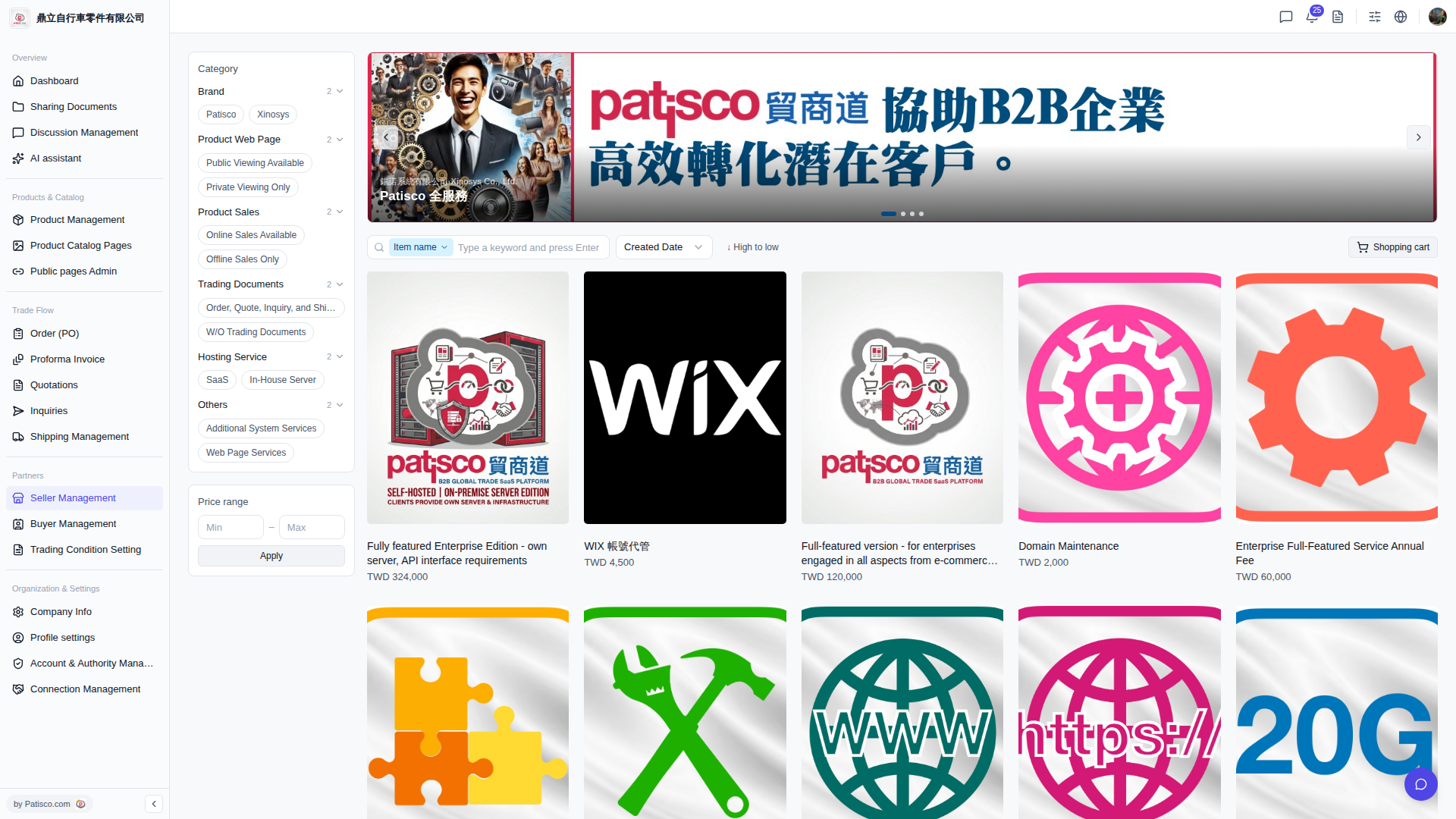 V5 新桌面版|產品目錄(Catalog)瀏覽頁面