
1. Click the "Created Date" dropdown on the right side of the search bar to switch which field to sort by. 2. Click the "↓ High to low" button on the right to toggle between "high to low" and "low to high" sorting directions. 3. After sorting is applied, the product card list will be rearranged immediately according to the new settings. Click on a card's image or name to enter the product detail page and view specifications and pricing. 4. To purchase, click the "Shopping cart" icon in the top right to view items added to your cart and proceed to checkout.
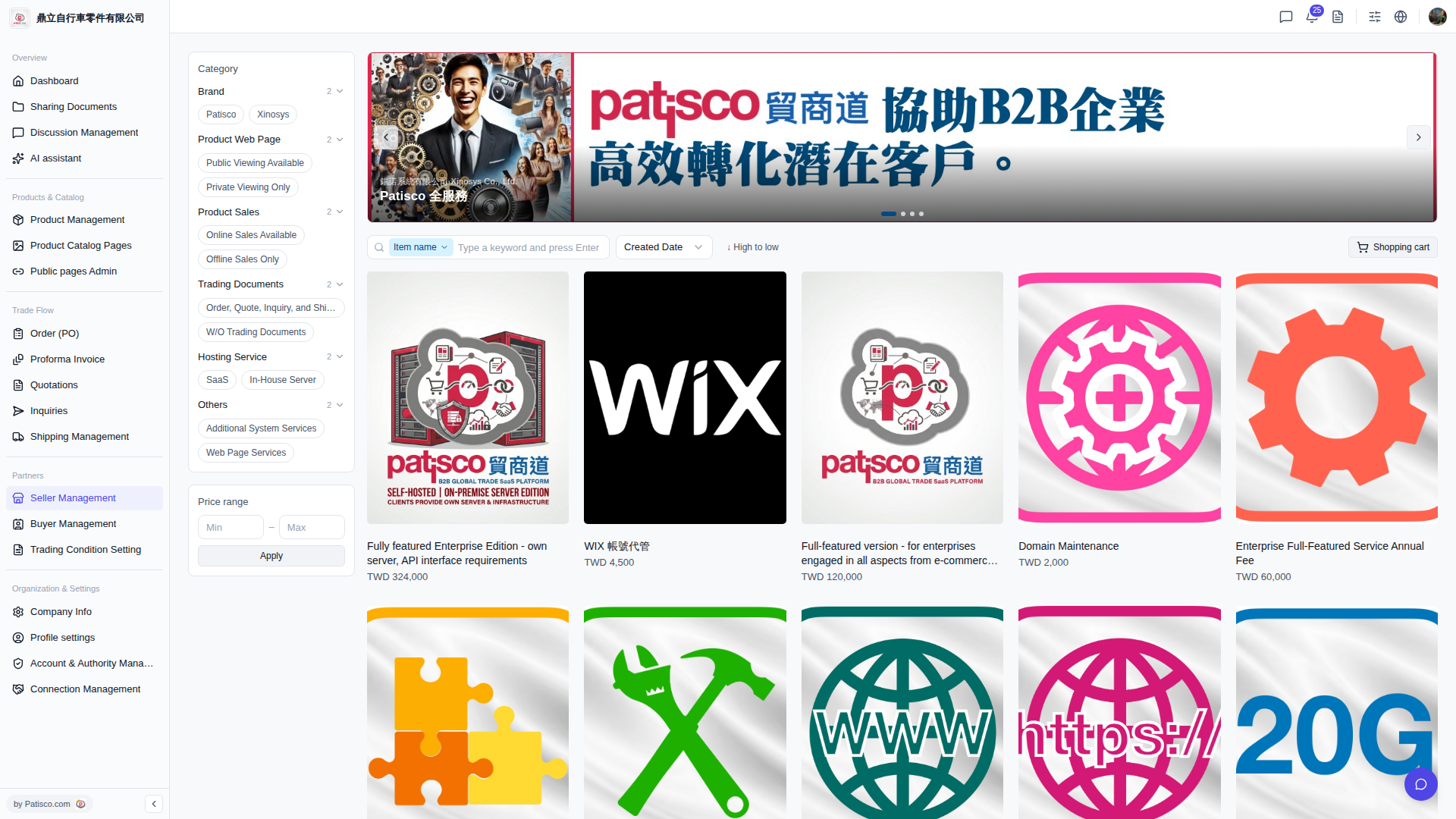 V5 新桌面版|產品目錄(Catalog)瀏覽頁面