
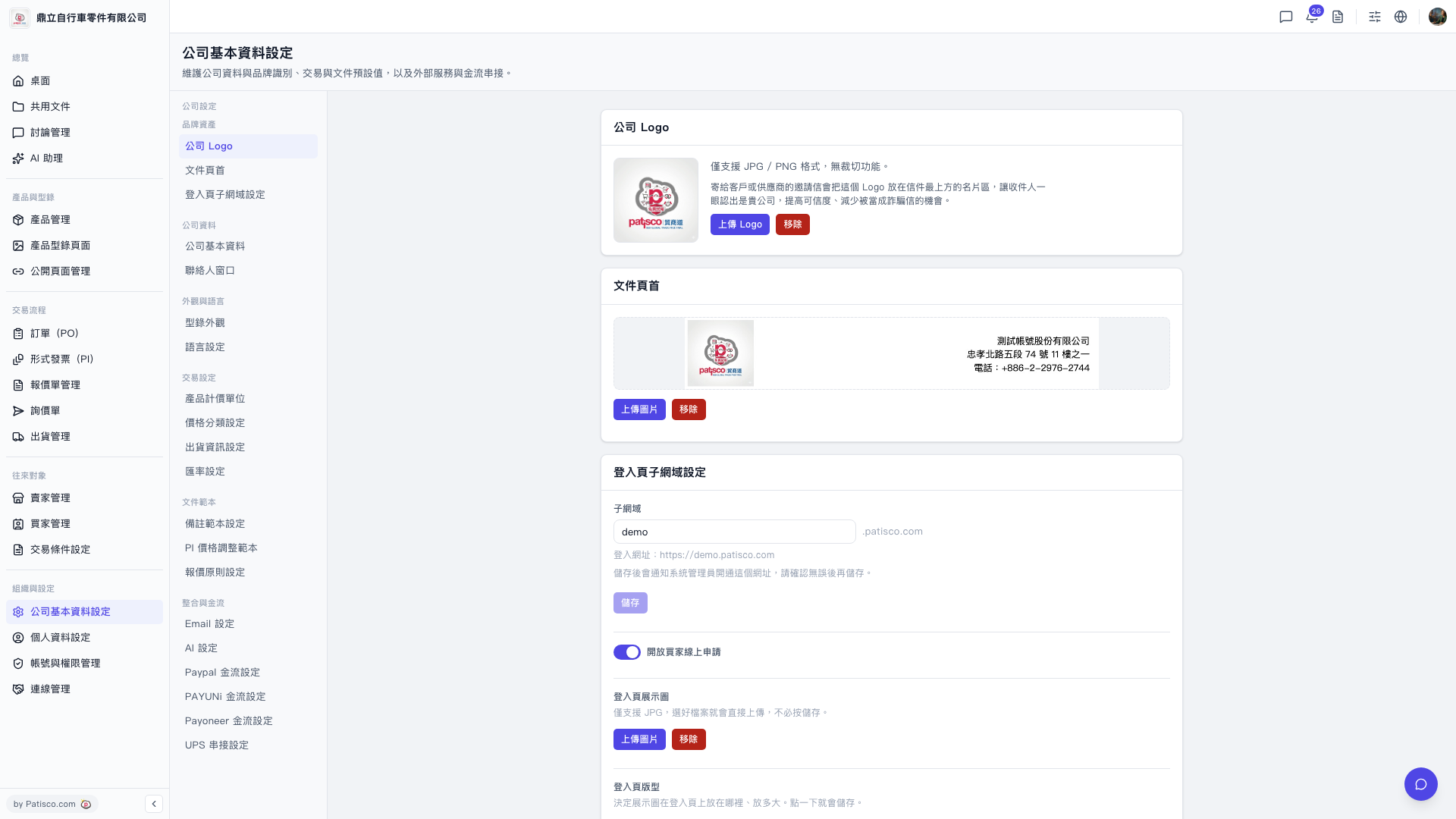
1. After logging into the V5 new desktop version, go to the URL https://v5.patisco.com/company-basic#ups-setting, or find the "UPS Authorization" section on the company basic settings page. 2. Confirm that the current status displays as "Not Connected." 3. Click the link/authorize button and complete the UPS account authorization process following the on-screen instructions. 4. After completion, the status should be updated to "Connected."
 V5 新桌面版|ups.setting