
1. Enter the PO number directly in the search bar and press Enter to find it quickly. 2. To set multiple filter conditions, click the "Filter" button on the right side of the search bar to open the filter panel and set the conditions you need. 3. If you need to export the current filtered PO list, click "Download Excel" in the top right corner. 4. Click any PO row in the list to enter the detailed page for that PO where you can view or edit its content.
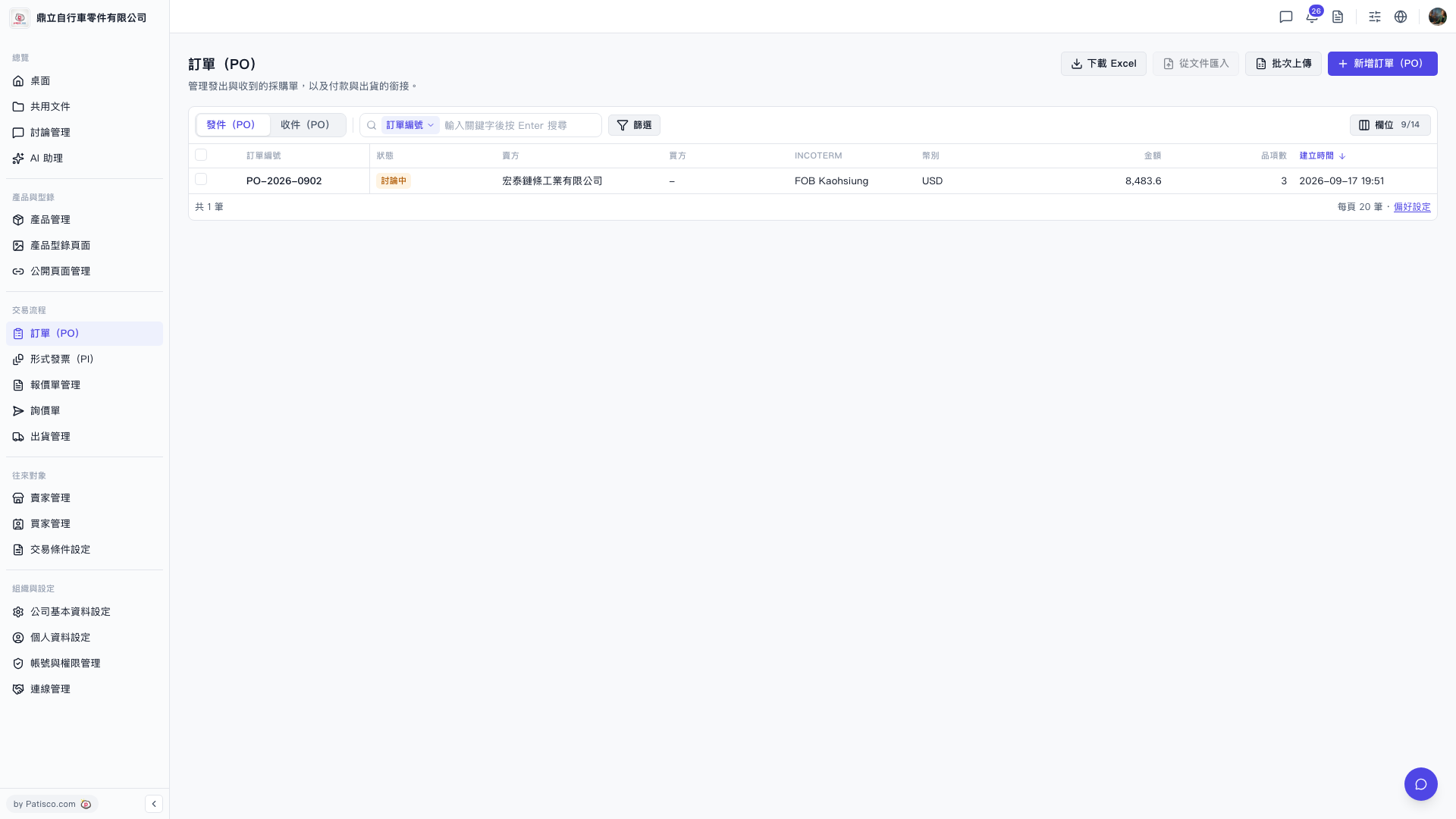 V5 新桌面版|訂單(PO)