
The steps to create a new quotation and customize columns are as follows: 1. Click the "+ New Quotation" button in the top right corner, fill in the quotation number, buyer, currency, expiration date, and other relevant information, then save. 2. If the list has too many or too few columns, click the "Columns 6/10" button in the top right toolbar to customize which columns you want to display (currently showing 6 columns out of 10 configured). 3. To adjust how many items are displayed per page, use the "Personal Settings" option on the bottom right of the list.
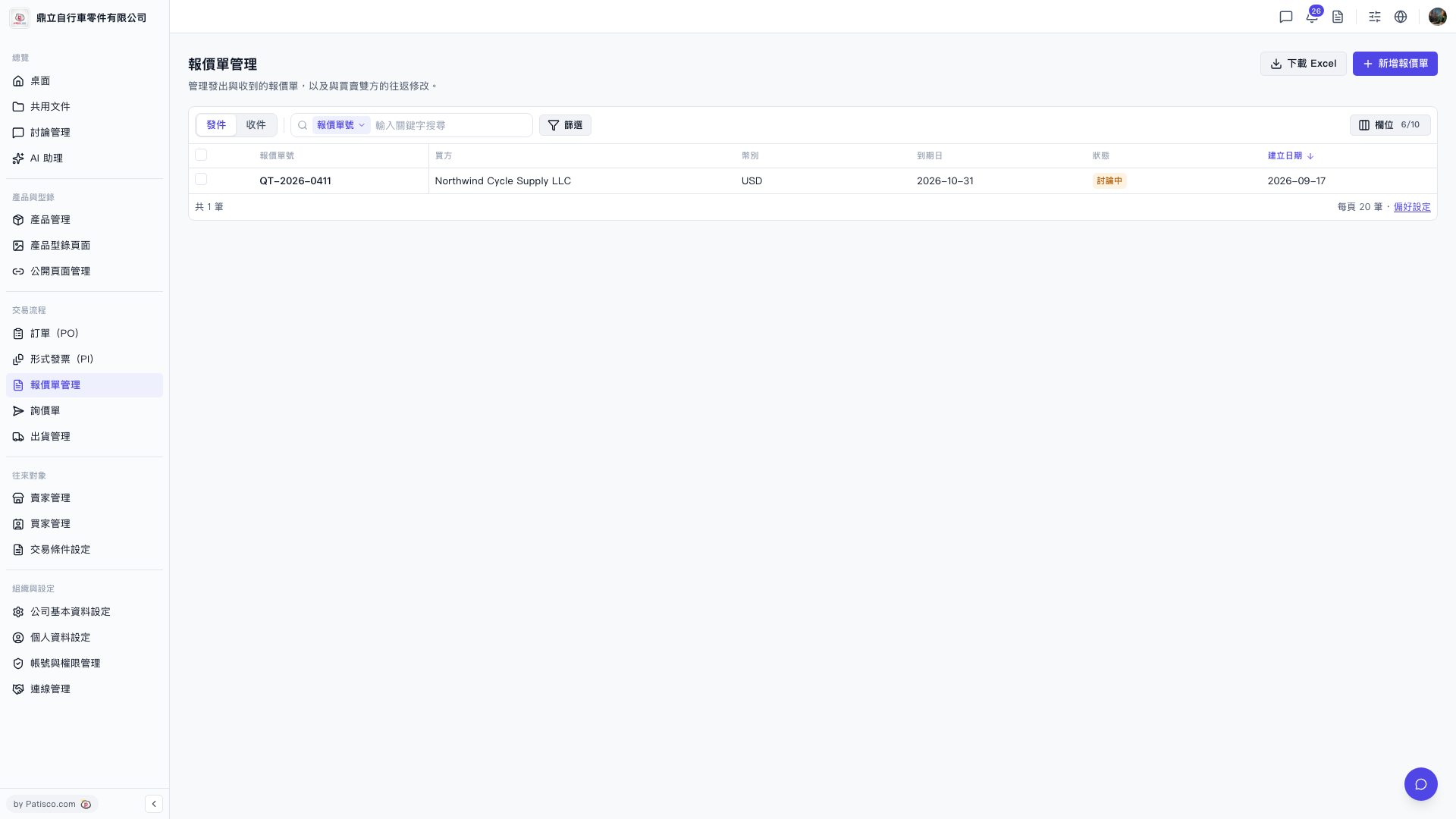 V5 新桌面版|報價單管理