
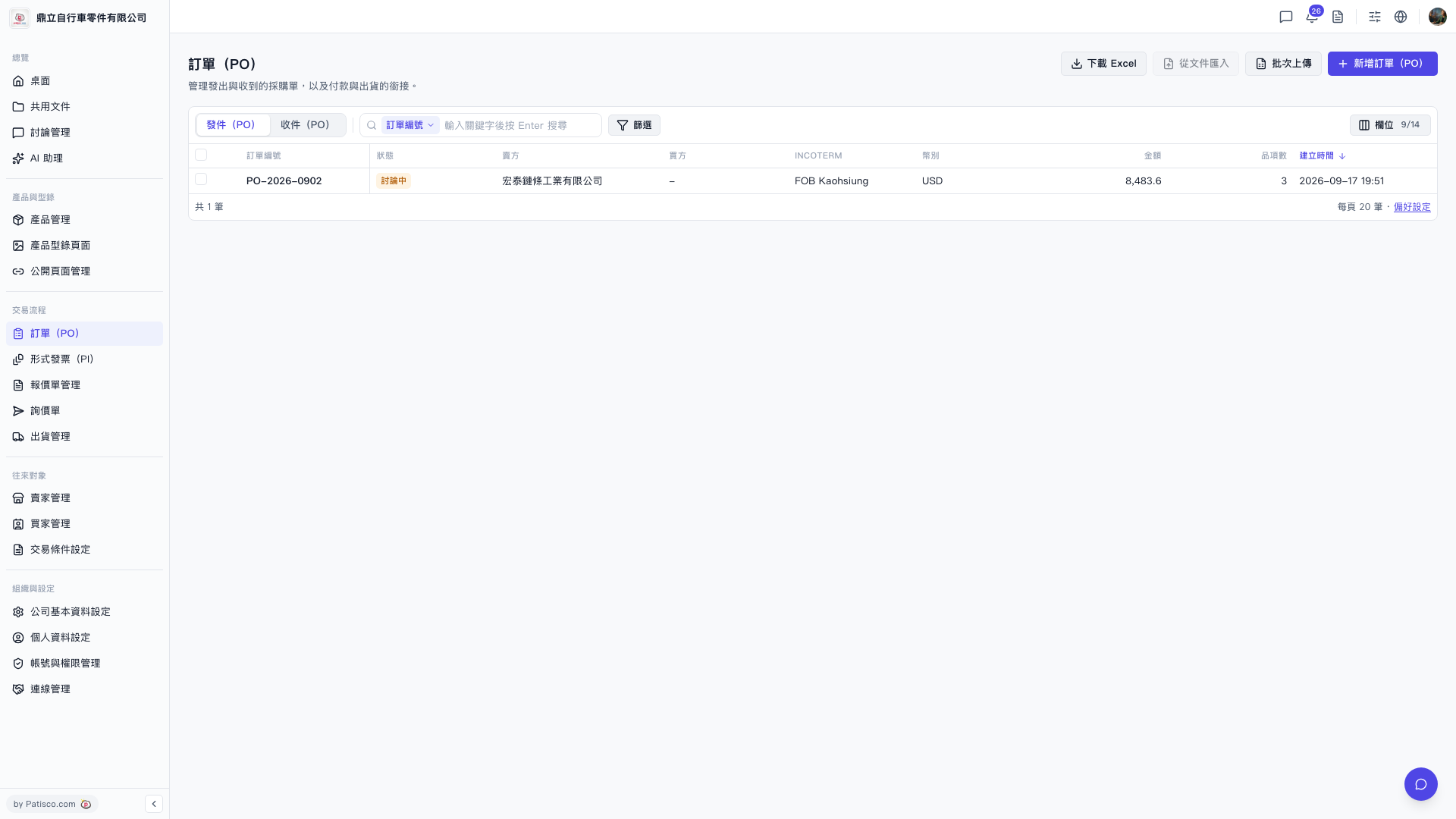
1. Click "PO" in the left sidebar to enter the PO list page. 2. There are two tabs at the top of the page: click "Sent (PO)" to view POs issued by your company, or click "Received (PO)" to view POs received by your company. 3. The top-right corner provides the following main operations: - "+ New PO": Create a new purchase order. - "Download Excel": Export the current list to an Excel file. - "Import from Document": Upload a document to batch import PO data. - "Batch Upload": Upload multiple PO records in bulk. 4. The "Filter" button on the right side of the search bar opens an advanced filter panel to filter specific POs. 5. The "Fields 9/14" tool in the top-right toolbar allows you to customize which columns are displayed in the table.
 V5 新桌面版|訂單(PO)