
1. Enter the PO number (for example, PO-2026-0902) in the search box and press Enter to search quickly. 2. To set more conditions, click "Filter" to open the filter panel and filter further by status, buyer, seller, currency, and other fields. 3. Once you find the target PO, click the PO number in the list to open the detailed page where you can view or edit it.
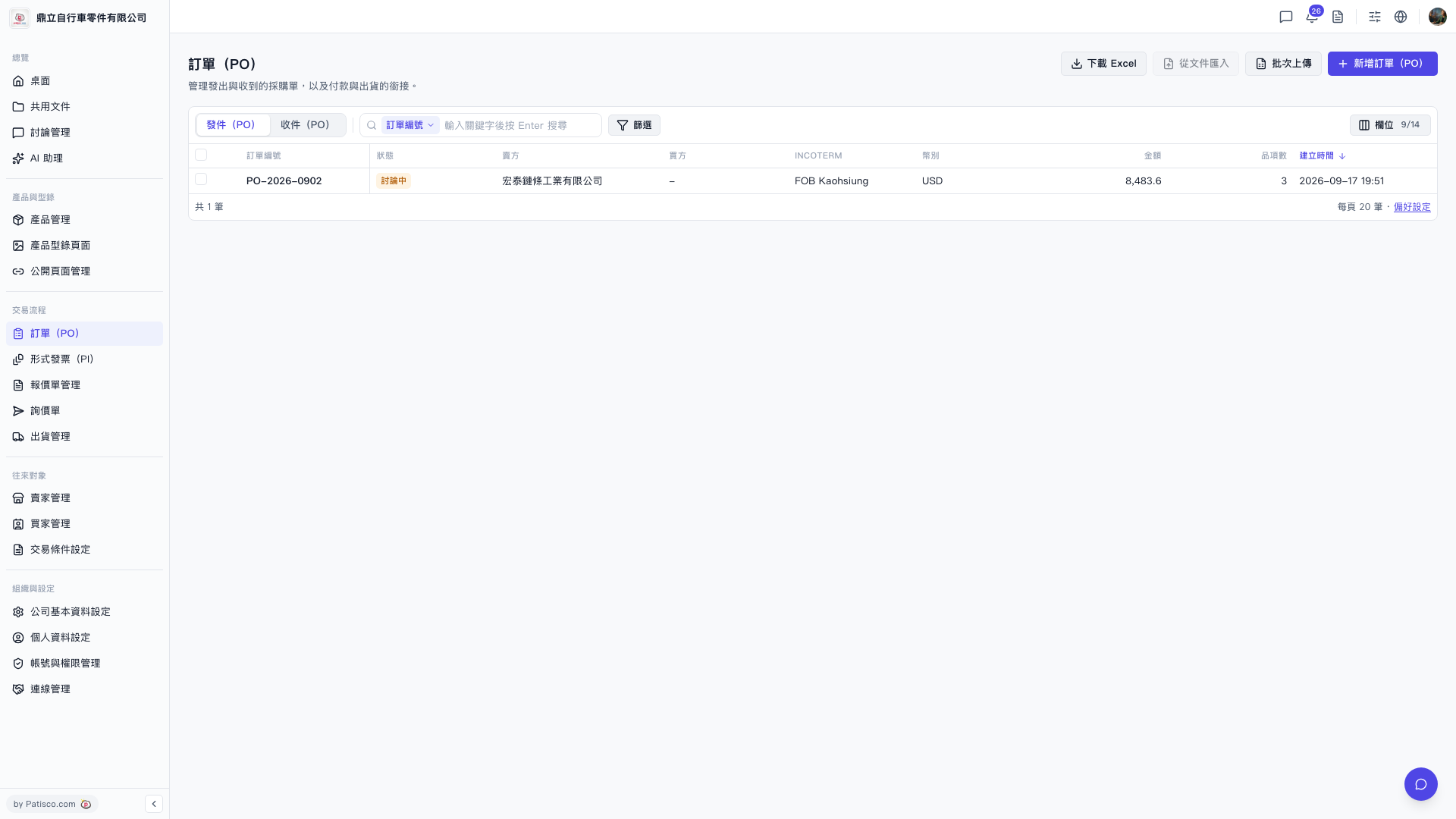 V5 新桌面版|訂單(PO)