
1. Open https://v5.patisco.com/quo in your browser, or access the "Quotation Management" page from the menu in V5's new desktop version. 2. When you enter, the "Sent" tab is displayed by default, which shows the list of quotations issued by your company. 3. To view the quotations received by your company, click "Received" in the filter area at the top of the list to switch. 4. The list includes columns such as quotation number, buyer, currency, expiration date, status, and creation date.
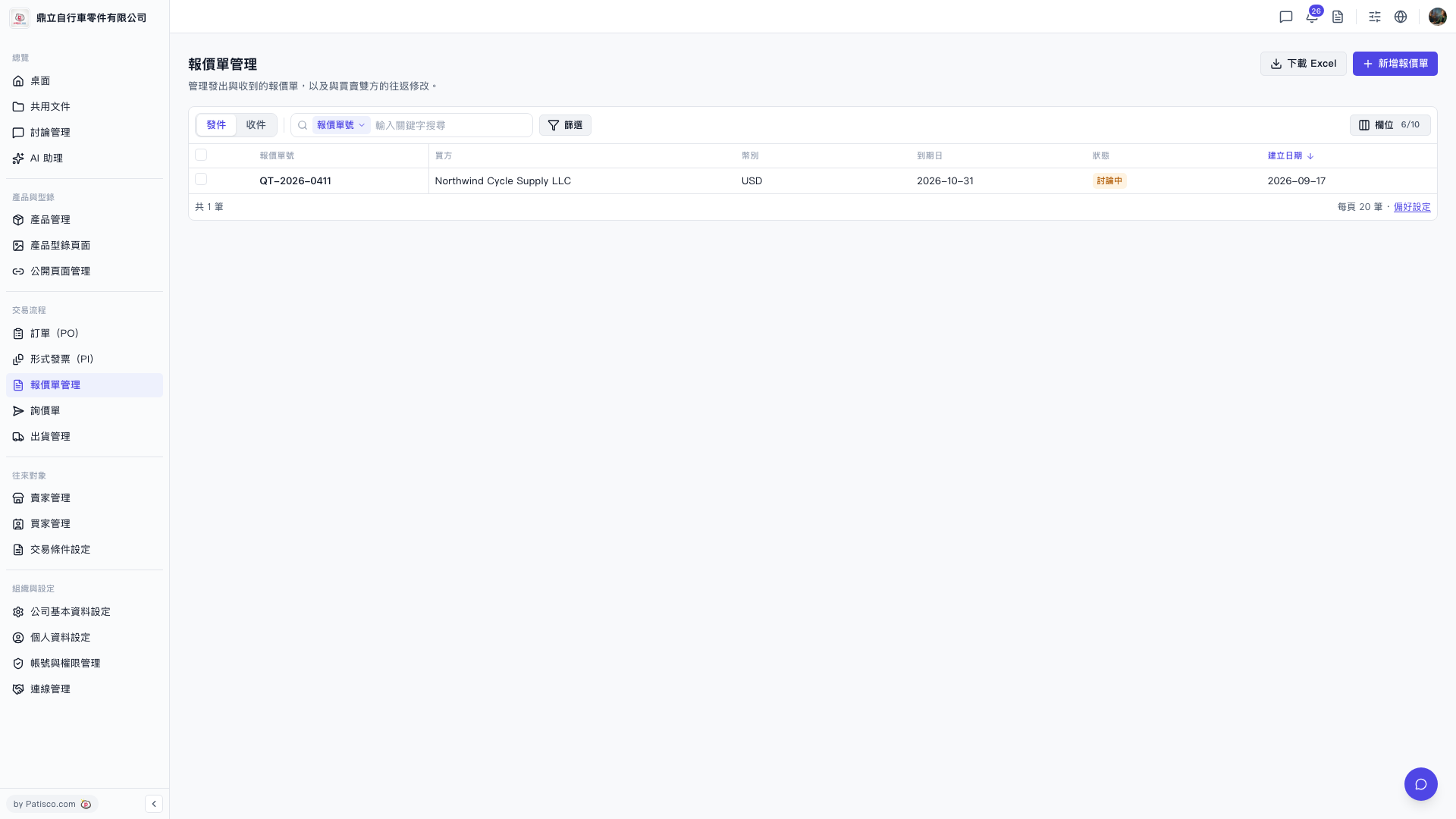 V5 新桌面版|報價單管理