
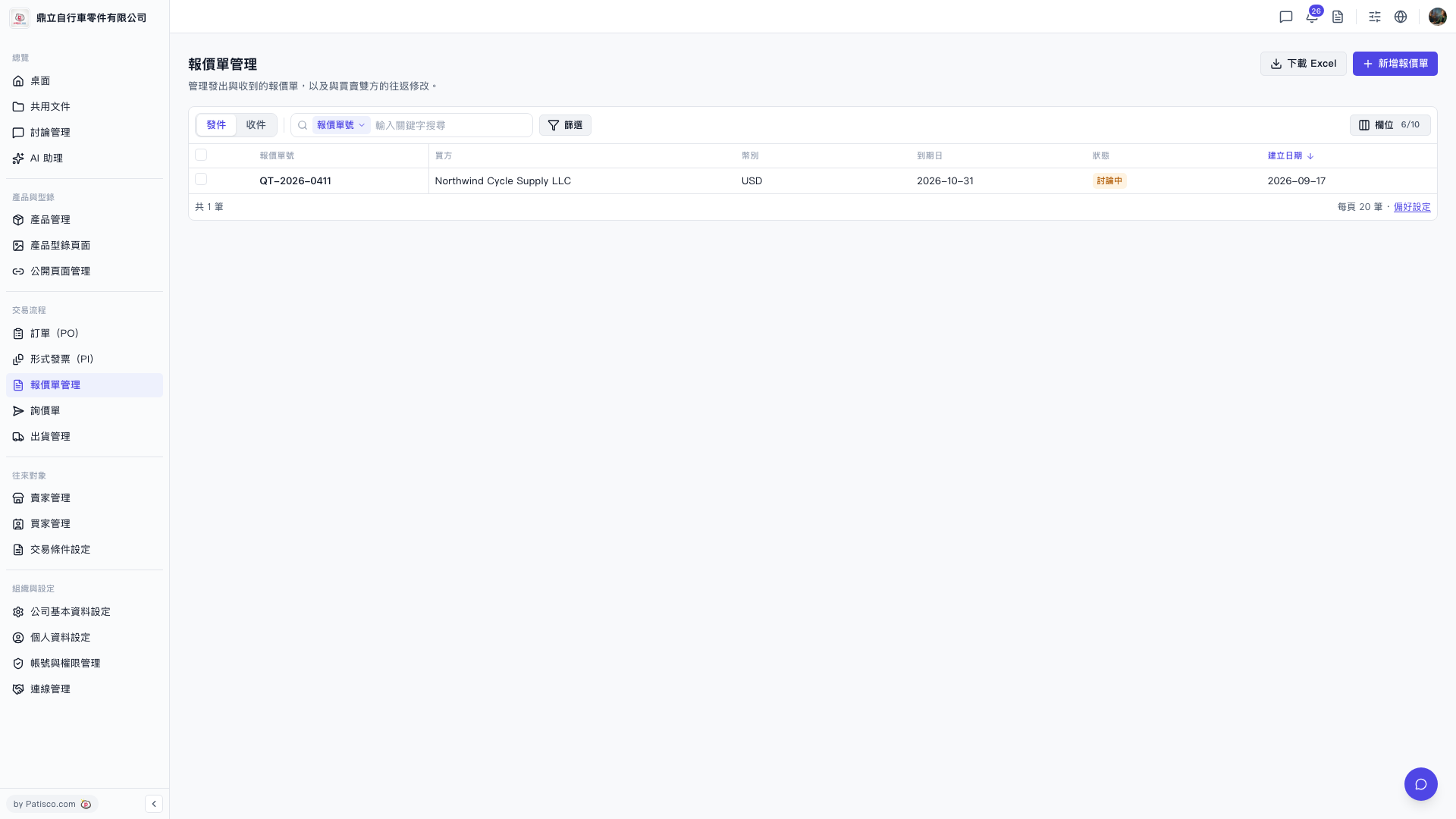
1. Enter a keyword (such as a buyer name or quotation number) in the search box at the top of the list to search quickly. 2. If you need to set more conditions, click the "Filter" button on the right side of the filter area to open the advanced filter settings panel. 3. Once you find the target quotation, click the quotation number (for example, QT-2026-0411) in the data row of the list to open the detailed page for that quotation where you can view or edit it. 4. If you want to adjust which columns are displayed in the list, click "Fields 6/10" in the top-right corner to customize the number of fields to display.
 V5 新桌面版|報價單管理