
1. In the "Quotations" list, find the quotation you want to operate on. 2. Click the "⋮" three-dot menu icon on the right side of that quotation. 3. After expanding, you can select operations such as edit, copy, or delete.
If you need to find a specific quotation, you can first click the "Search (magnifying glass icon)" in the upper right corner to enter keywords, or click "Filter (adjustment icon)" to set filter conditions before performing operations.
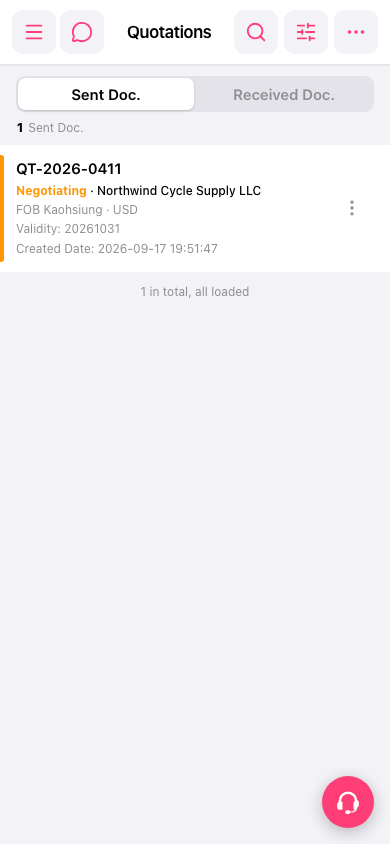 手機版|報價單管理(Quotations)