
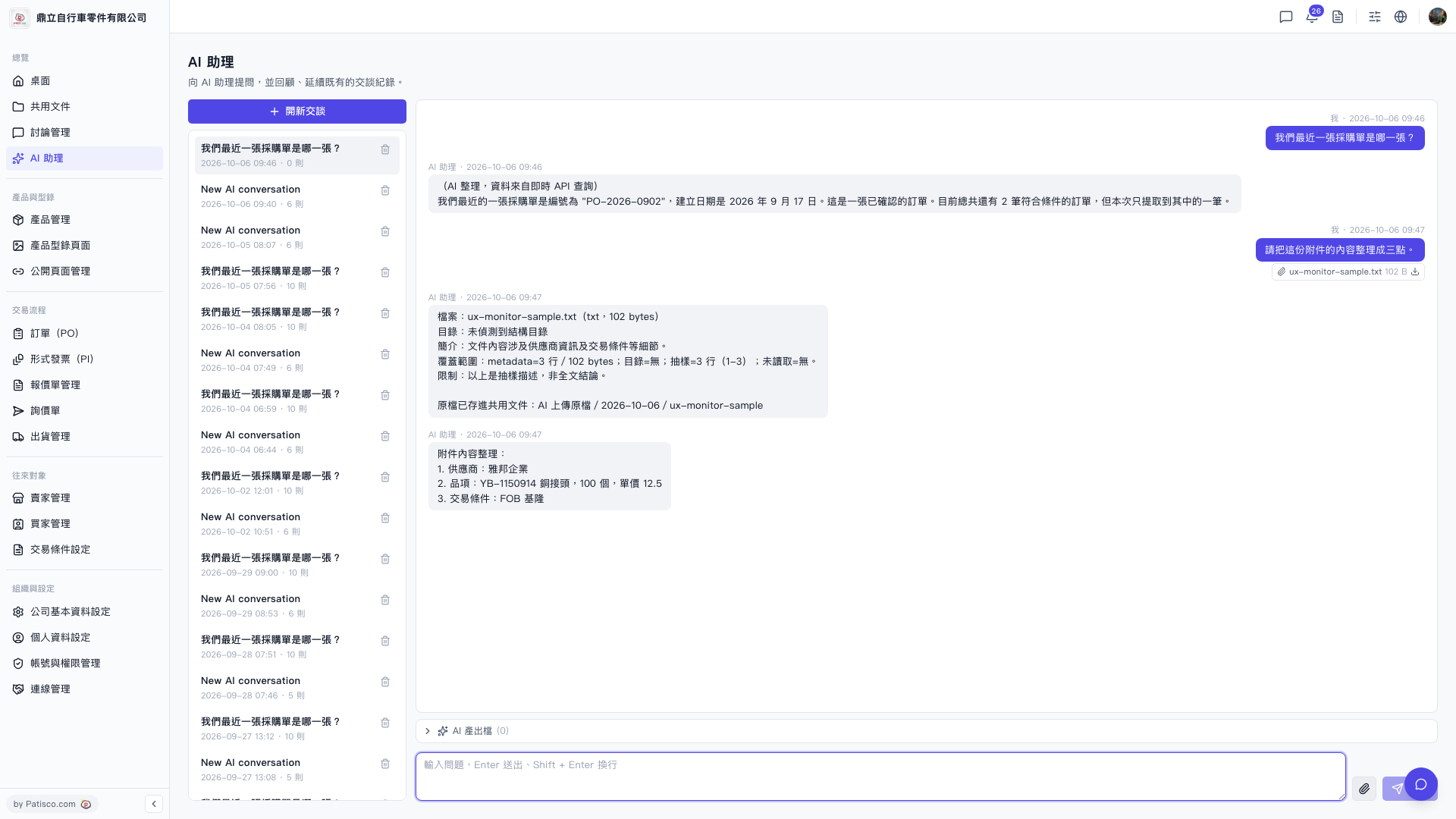
1. In the conversation list on the left side of the "AI assistant" page, you can see the titles and dates of all past conversations. 2. Click on any historical record to switch and view the content of that conversation. 3. If you want to delete unwanted history conversations, click the "trash icon" on the right side of that record to delete it. 4. If you want to start a new conversation, click "+ New conversation" at the top of the list to create a new conversation without affecting existing history records.
 V5 新桌面版|AI 助理