
1. To search for a specific PO, enter the PO number in the search field and press Enter. 2. If you want to set multiple filter conditions, click the "Filter" on the right side of the search bar, then expand the filter condition panel and set the conditions. 3. If the fields displayed in the list are not enough, click "Fields 9/14" in the top right corner of the list. Check or uncheck the fields you want to display and apply them. There are currently 14 fields available to choose from, with 9 displayed by default.
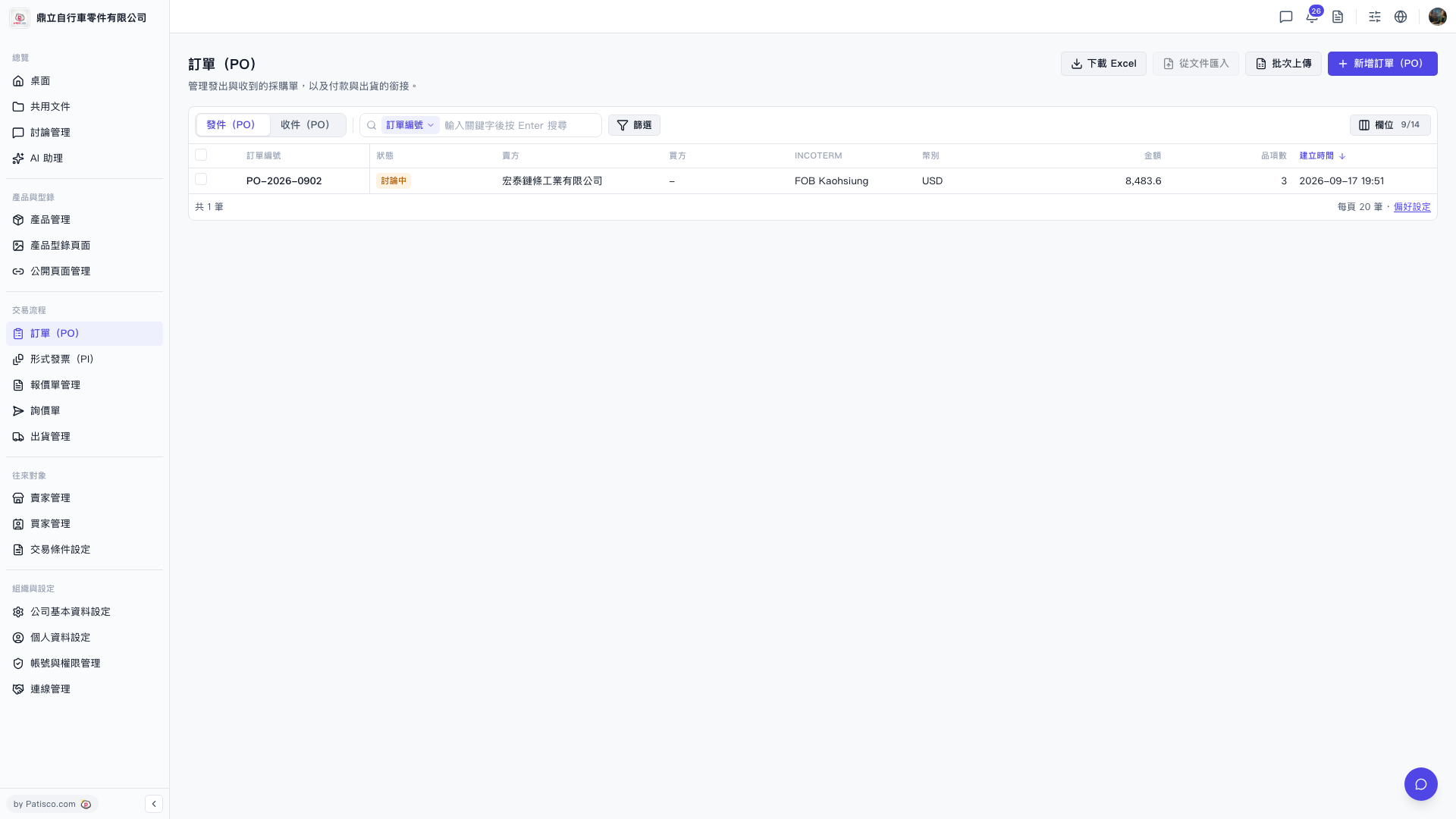 V5 新桌面版|訂單(PO)