
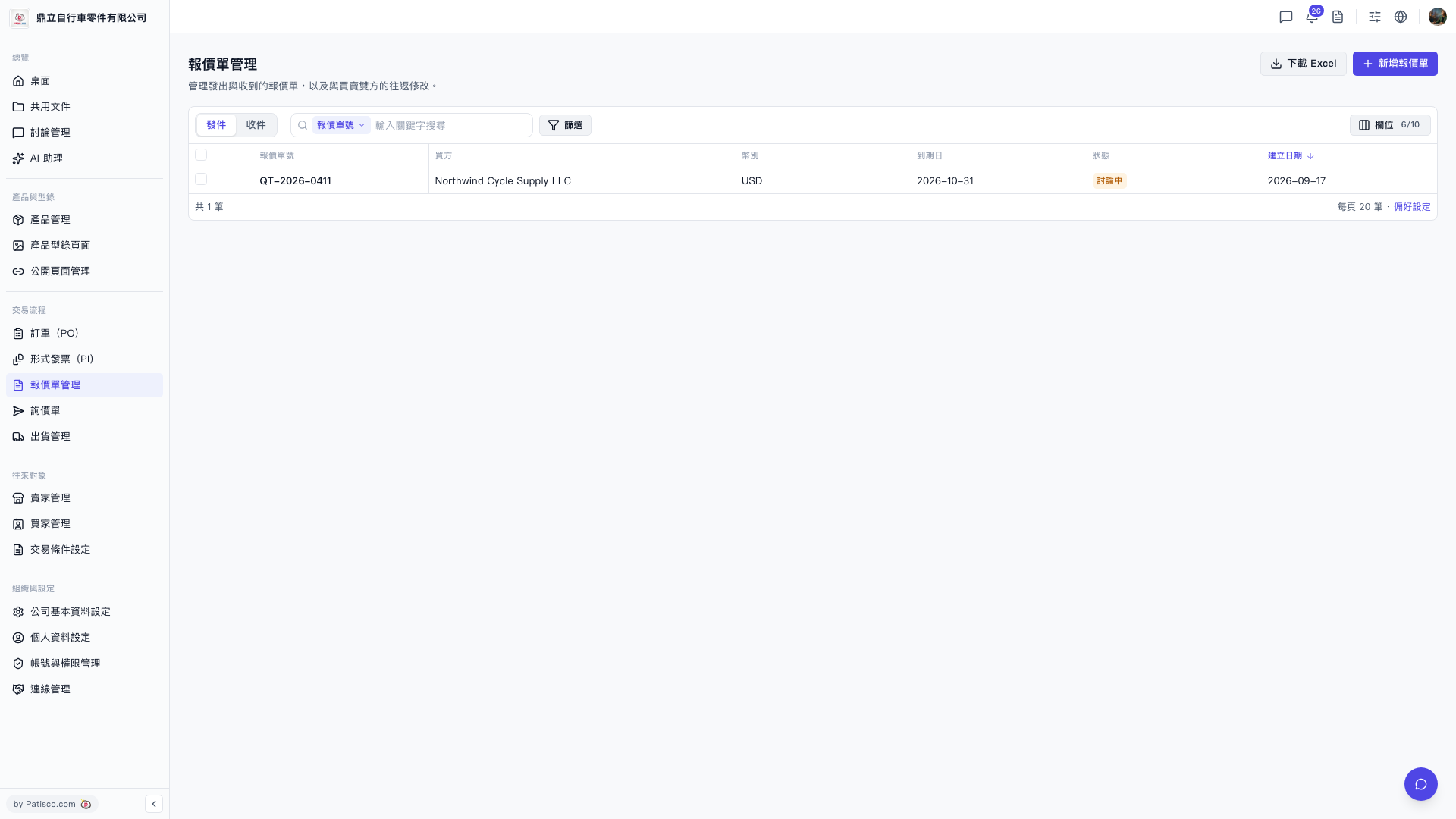
1. On the Quotation Management page, find the "Fields 6/10" button in the top right toolbar and click it. 2. The system will open the field settings panel. Currently, 6 fields are displayed by default (out of 10 available options). 3. In the panel, check or uncheck the field items you want to display. After completing your selection, close the panel and the table will update to display content according to your settings. 4. If you want to sort by creation date, you can click the sort arrow next to the "Creation Date" column on the right side of the table title row to toggle between ascending and descending order.
 V5 新桌面版|報價單管理