
1. Open your browser and go to https://v5.patisco.com/login. 2. Enter your account or email address in the "Account / Email" field. 3. Enter your login password in the "Password" field (you can click the eye icon on the right side of the field to toggle showing or hiding the password). 4. Click the blue "Login" button to complete the login.
If you forget your password, click the "Forgot Password?" link below the password field and follow the instructions to reset your password. If you don't have an account yet, please contact your company administrator or have Patisco set it up for your company.
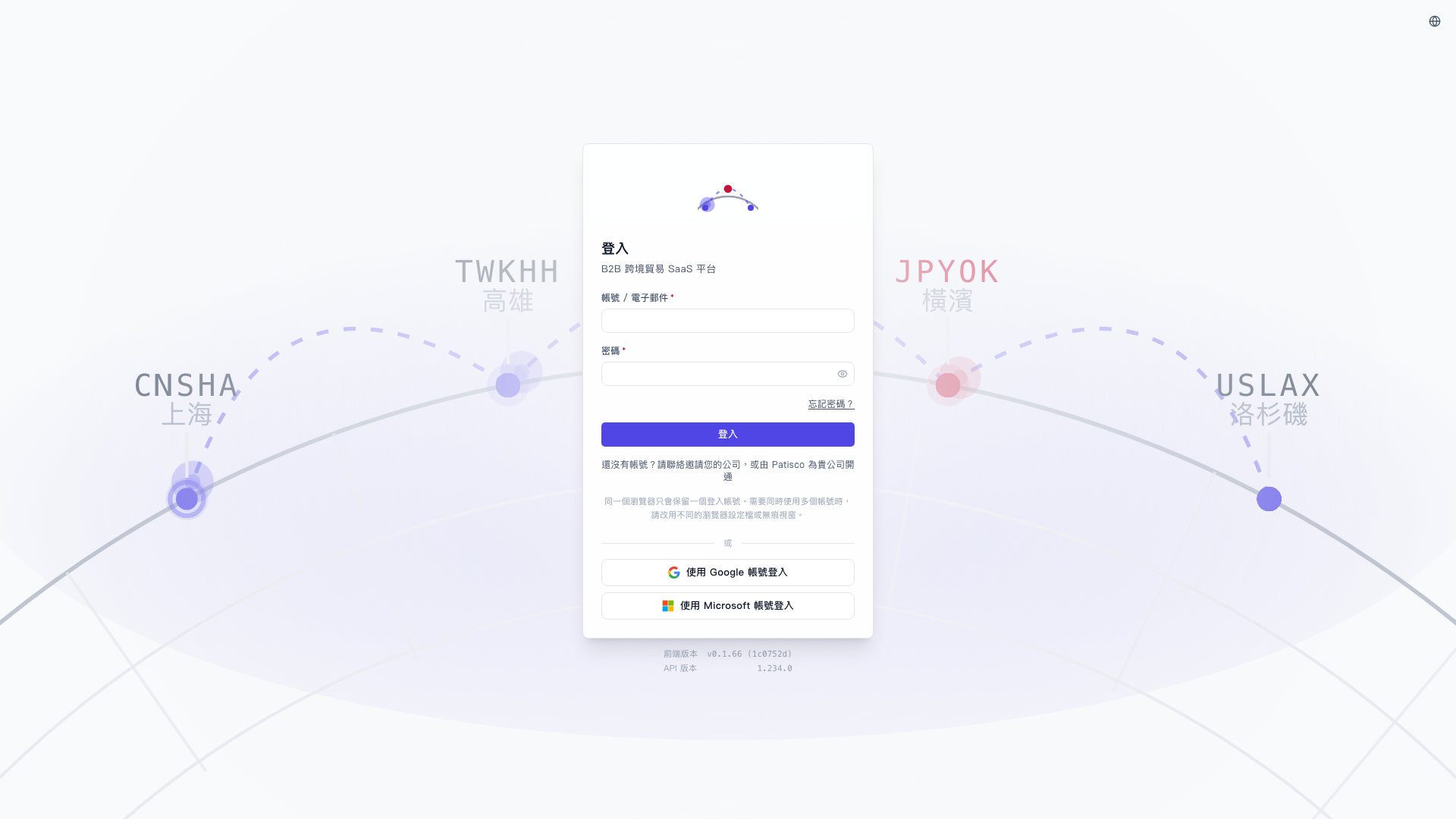 V5 新桌面版|登入