
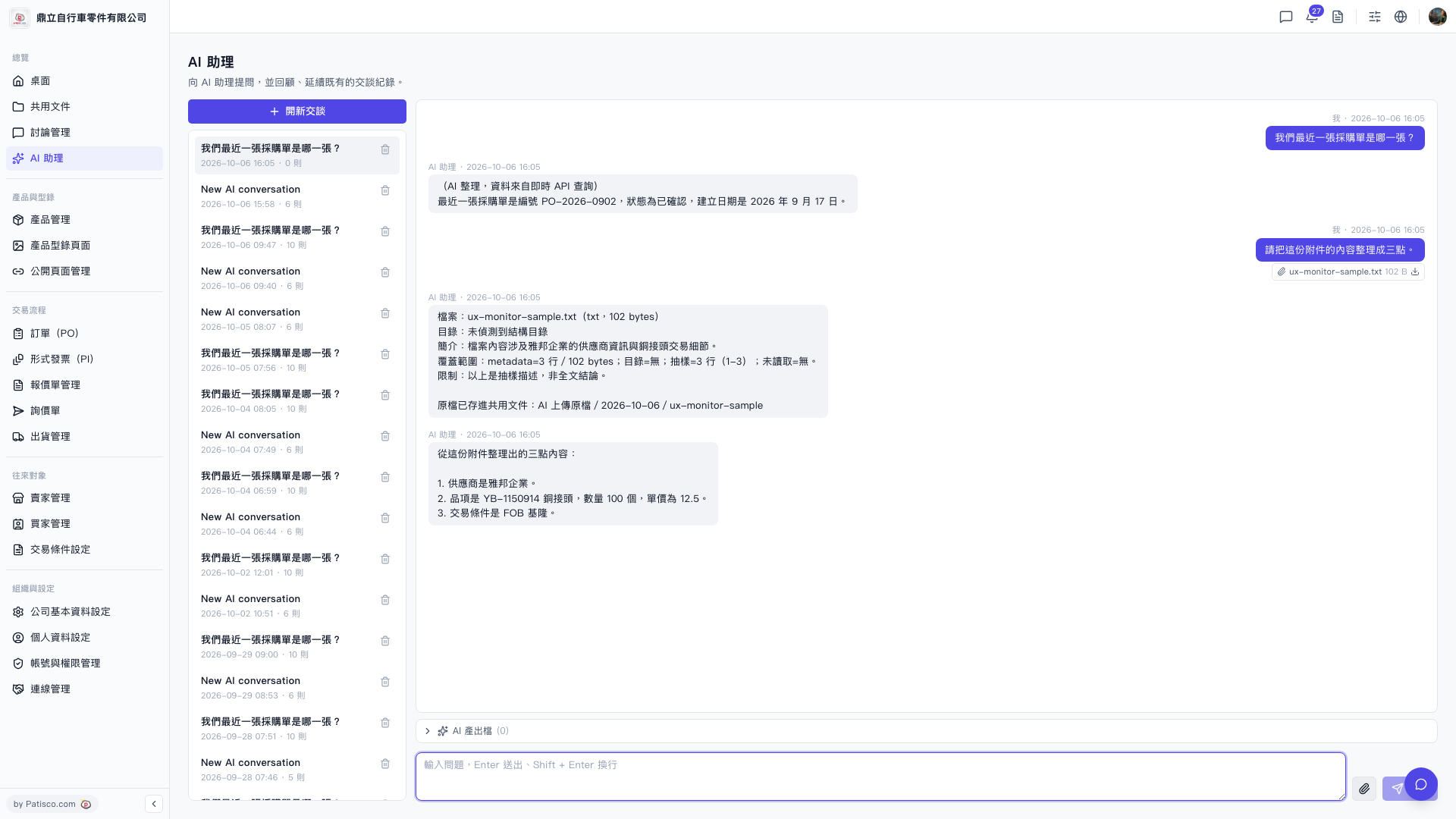
1. In the conversation list on the left side of the "AI assistant" page, click on any conversation record to reload that historical content. 2. If you want to delete a specific conversation, hover your mouse over that item in the conversation list and click the "Delete icon (trash bin)" on the right side to remove it. 3. If you need to start a completely new conversation, click "+ New Conversation" at the top of the list.
 V5 新桌面版|AI 助理