
1. In the search field, select a search condition (e.g., "PO Number"), enter a keyword, and press Enter to search. 2. If you need advanced filtering, click the "Filter" button on the right side of the search field. You can filter the list by conditions such as status, buyer/seller, INCOTERM, etc. 3. If you want to adjust which columns are displayed in the list, click the "Columns 9/14" button in the top right of the list and select the columns you want to display.
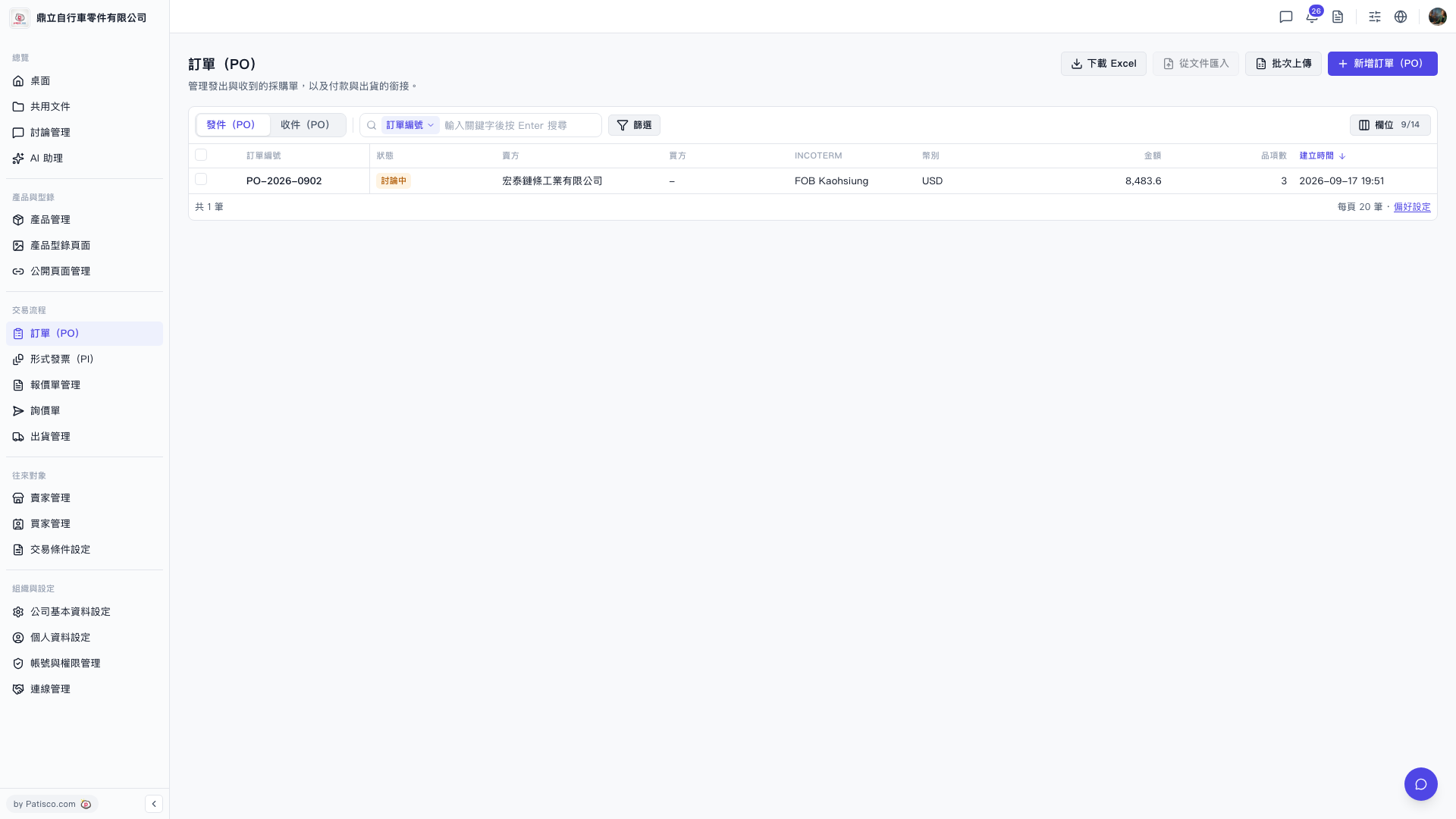 V5 新桌面版|訂單(PO)