
1. In the left sidebar, click "Product Management" under "Products & Catalogs". 2. To add one product: click the purple main button "Add Product" at the top right to create a new product record. 3. To handle many at once: also at the top right, choose "Bulk Add / Update" to add or update multiple products in bulk. If you already have a prepared file, click "Import" to import the product data file. 4. If you want to organize product categories or groups first, click "Categories & Groups" at the top right to manage them.
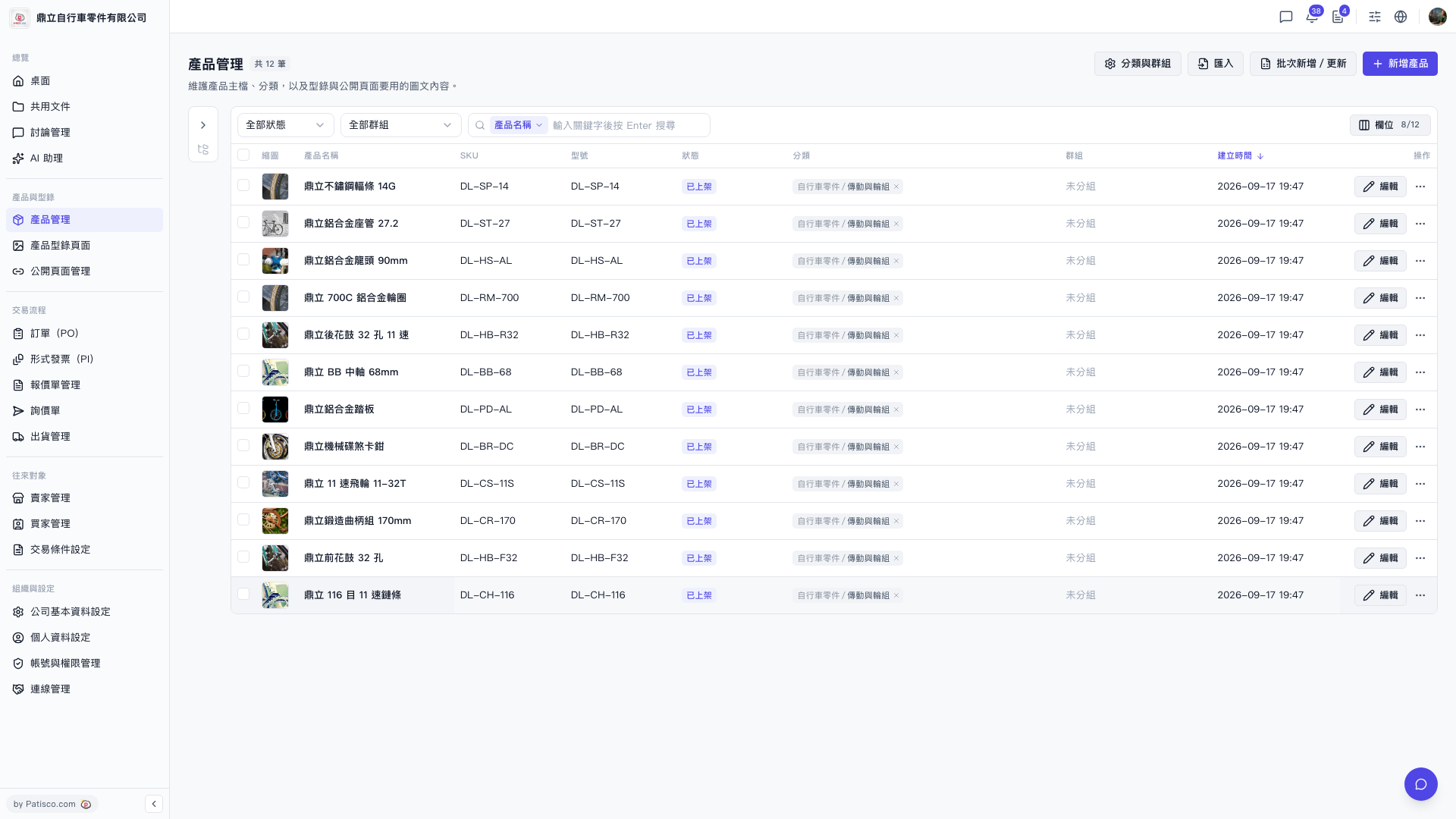 V5 新桌面版|產品管理