
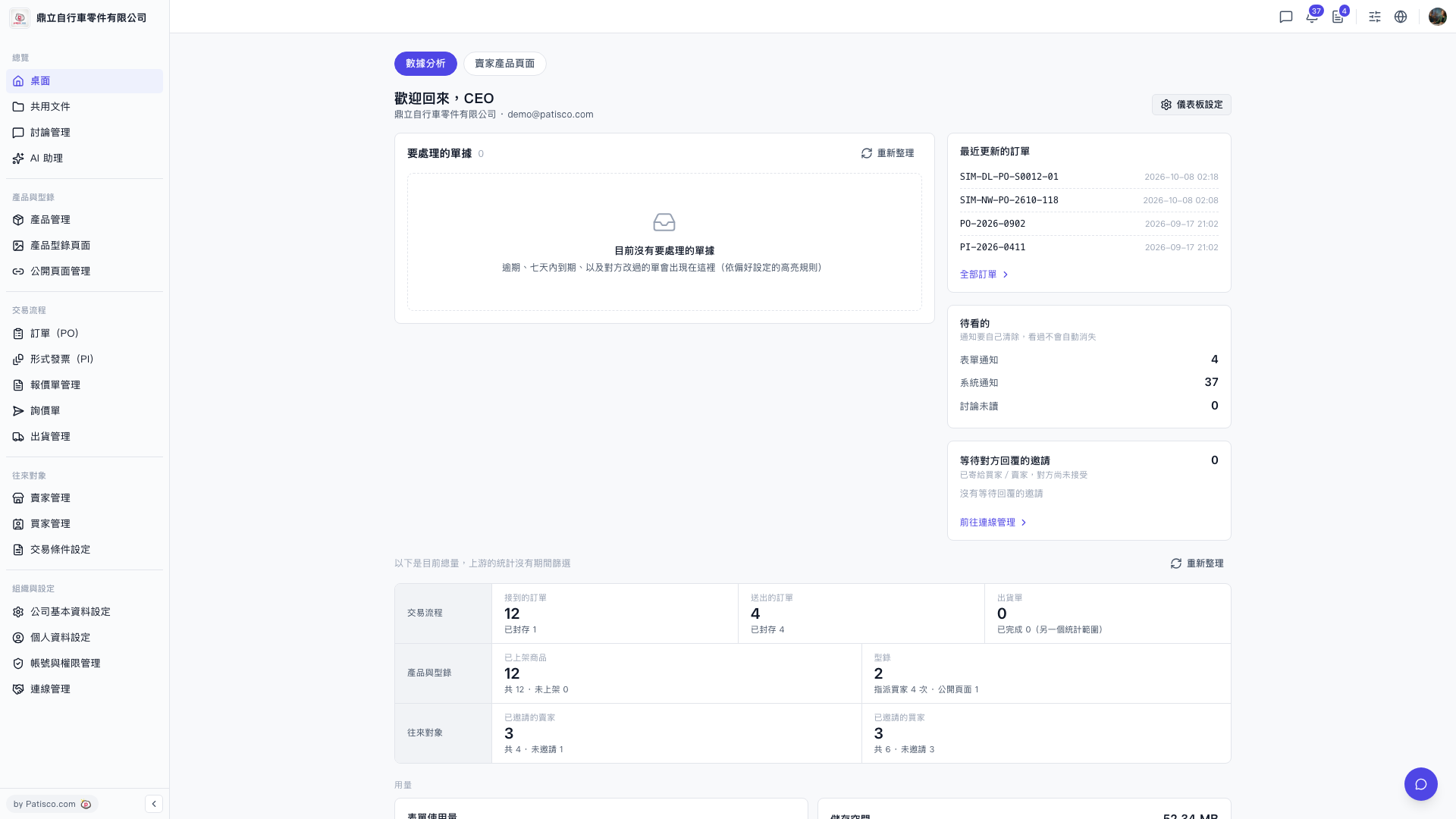
1. In the "Recently updated POs" list on the right side of the desktop, click the number link in a row to open that PO. 2. To see all POs, click "All POs" at the bottom of the "Recently updated POs" card to go to the full PO list. 3. To see an overview of the trading flow (received POs / sent POs / shipping orders), products and catalogs, and trading partners, scroll down to the statistics area. To refresh the numbers, click "Refresh" at the top right of the statistics area. 4. To adjust what is shown on the desktop, click "Dashboard Settings" at the top right (to the right of the welcome title).
 V5 新桌面版|桌面(歡迎回來,CEO)