
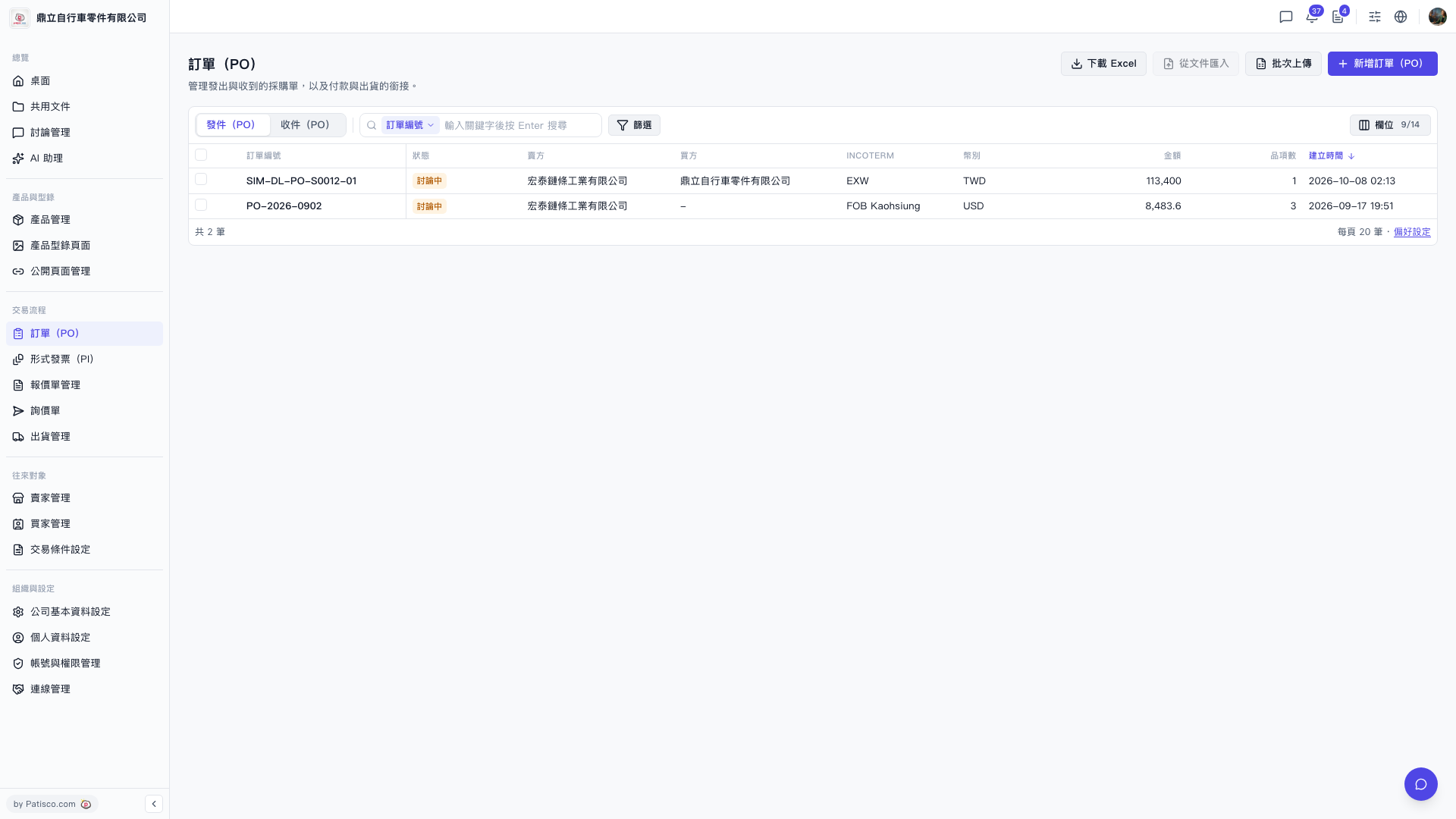
1. In the left sidebar, find "Trading Flow" and click "PO" underneath it. 2. On the "PO" page, look at the tabs at the top left of the list. 3. To see POs you have sent, click "Sent (PO)". To see POs others have sent to you, click "Received (PO)". 4. The list shows columns such as PO number, status, seller, buyer, INCOTERM, currency, amount, number of items, and created time. If some columns are not visible, click "Columns 9/14" at the top right of the list to choose which ones to display.
 V5 新桌面版|訂單(PO)