
1. Open the mobile login page in your browser (mobile.patisco.com/logon). 2. Enter your account in the "User ID" field (usually your email or company-assigned account). 3. Enter your password in the "Password" field. 4. Click the blue "Login" button to complete login.
If you prefer to use a third-party account, you can click "Sign in with Google" or "Sign in with Microsoft" without entering your account and password separately.
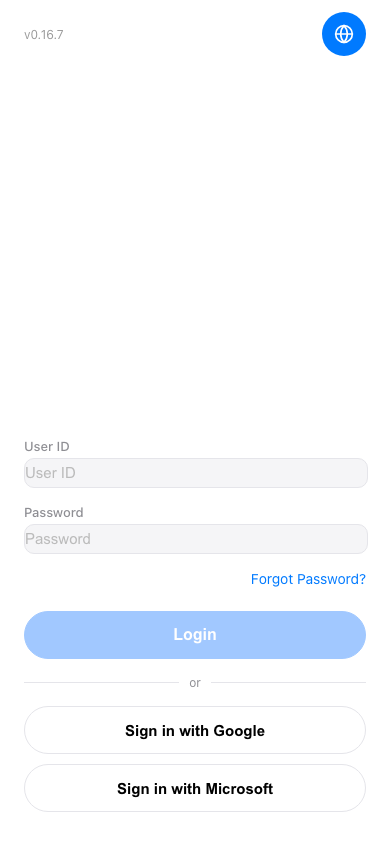 手機版|登入頁面