
1. Click the "⚙ Settings" icon in the top right corner to access settings related to the Analytics page. 2. If you have any questions about operation and need assistance, click the pink "Customer Service Floating Button" in the bottom right corner of the screen to get instant support from our customer service team.
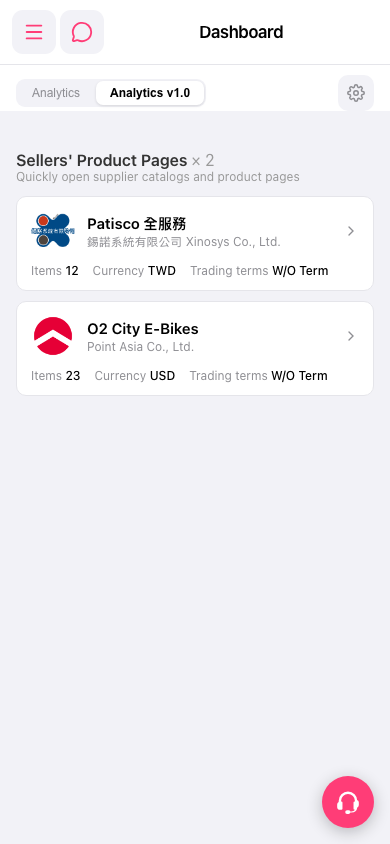 手機版|Dashboard