
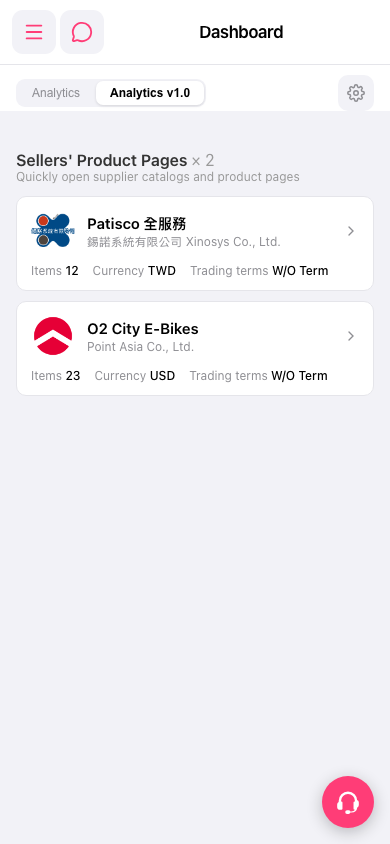
1. After logging in, the system automatically displays the Dashboard and switches to the "Analytics v1.0" tab. 2. Scroll down to see the "Sellers' Product Pages" section, which lists supplier cards that have been configured (e.g., "Patisco Full Service", "O2 City E-Bikes"). 3. Click on any supplier card to enter that supplier's product catalog page. 4. To switch back to the old analytics page, click the "Analytics" tab on the left side of the tab bar.
 手機版|Dashboard