
Forgot Password: 1. On the login page, enter your "User ID" and click the "Forgot Password?" link in the bottom right corner of the password field. 2. Follow the subsequent steps to reset your password.
Switch Language: 1. Click the globe icon in the top right corner of the page. 2. Select the display language you want to use.
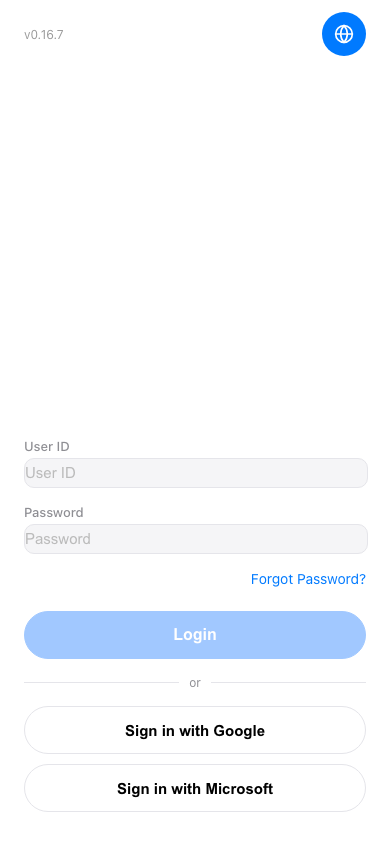 手機版|登入頁面